RoomSketcher Alternatives for Listings & 3D (2026)
Eight RoomSketcher alternatives for listing floor plans, converting existing plans and 3D renders, with October 2026 prices, limits and sources. Ours included.
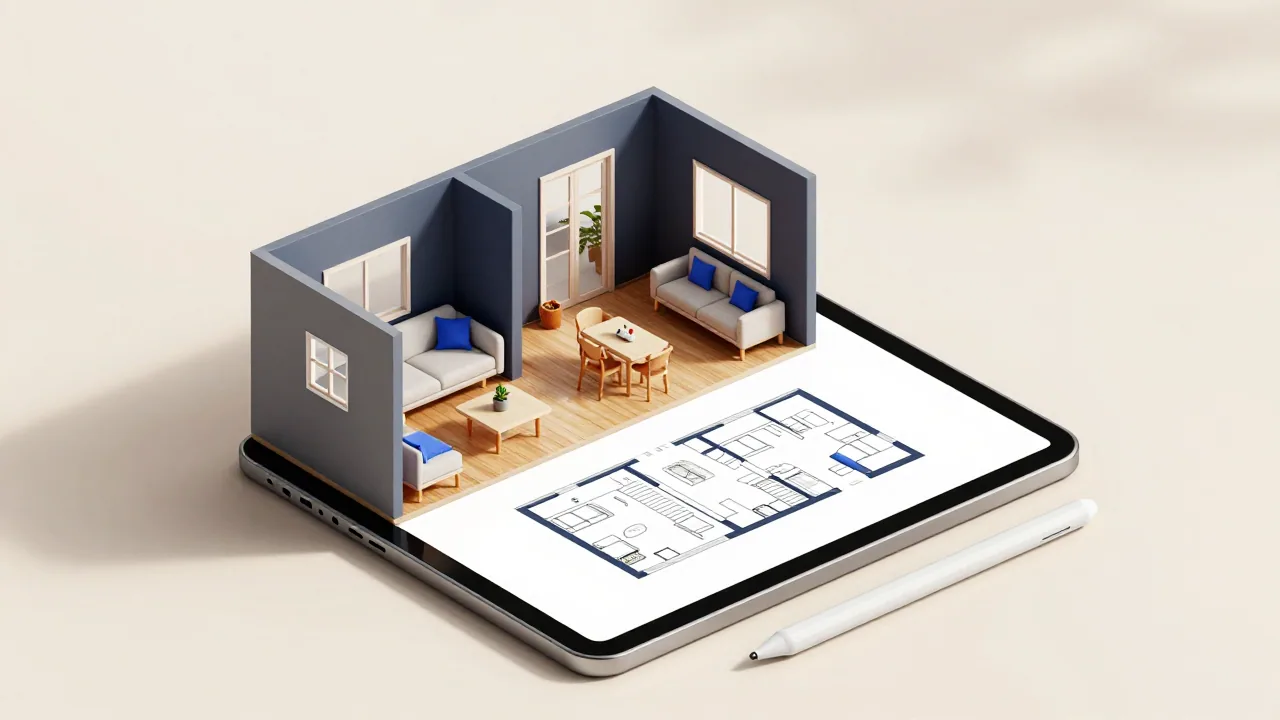
If you use RoomSketcher for listing floor plans, the most direct alternative is CubiCasa: you scan the home with your phone and get a 2D plan back within 24 hours, free for a basic plan or $15 with total area and branding. To turn a plan you already have into an editable project, as AI Convert does, use Planner 5D or Floor Plan AI; for 3D renders without paying per image, look at Coohom or Floorplanner.
We compare eight tools, including EZ Floor Planner, which we make. Its floor plan and 3D-style images, made from a description or an uploaded plan, are useful illustrations but not measured plans for a listing.
How we put this together
We make one of these tools, so this is not a neutral review. Every fact about another company comes from its own website, read on 11 October 2026 (links at the end), and accuracy figures are the vendors' own. Prices are US dollars, before tax. Our one-to-one page is EZ Floor Planner vs RoomSketcher.
What RoomSketcher does, and what it costs today
RoomSketcher pairs a drawing app for Windows, Mac, iPad and Android tablets with a web portal for uploads, orders and downloads. You can draw a plan, convert a computer-drawn one with AI Convert, order a redraw, or scan with FloorCapture, an iPhone and iPad LiDAR app that was taking beta applications when we checked.
| Item | Price (October 2026) |
|---|---|
| Free plan | $0: 2 credits, 1 free AI conversion, watermarked 3D snapshots |
| Pro | $12/month billed yearly ($144), or $24 month to month; 5 credits a month |
| Team | $35/month billed yearly, or $70 month to month; 5 users, 20 credits a month |
| AI Convert after the first | 5 credits per level ($20 per floor on the free plan) |
| Redraw service | $38 per floor on Free, from $18 on Pro and Team; next business day |
| 3D Photo, 360 View, AI Render | 1, 5 and 0.1 credits each |
| Credit refills | $35 for 10 up to $2,000 for 1,000 |
Pro suits listings well, with measurements, total area, branding and printing to scale. People look elsewhere because you cannot draw on a phone, every 3D Photo and 360 View costs credits, refill credits lapse without a subscription, the $12 price means paying a year up front, and AI Convert needs a clean computer-drawn plan.
At a glance
| Tool | You start from | Free option | Paid from (Oct 2026) |
|---|---|---|---|
| CubiCasa | A phone scan of the home | LITE 2D plan, $0 | $15 per plan |
| magicplan | Measuring on site in its app | 2 free projects | $250/mo for 10 projects (24-month plan) |
| Planner 5D | An uploaded plan, or drawing | Free plan, no recognition | $59.99/yr, or $19.99/mo |
| Floor Plan AI | An uploaded plan or a description | Free credits (amount not stated) | $119/yr, or $19.99/mo |
| Coohom | Drawing, or a plan image | 3 projects, watermarked renders | $25/mo billed yearly |
| Floorplanner | Drawing in the browser | Watermarked SD exports | 5 credits for $8.15 |
| Canva | A whiteboard template | Canva Free | Pro: $144/yr |
| EZ Floor Planner | A description or one image | 10 welcome credits, draft model only | $4.95/mo billed yearly |
Listing plans without drawing them
Agents usually need an accurate plan of a home as it stands, fast. These two capture it on site.
CubiCasa
- What it does
- Scan the home with its iPhone or Android app (5 to 10 minutes, it says), upload the scan and receive a floor plan you can restyle online; a QA engineer checks each plan. The same scan can yield 3D plans, video, tours, a GLA report and CAD files.
- Pricing
- LITE is $0: a 2D plan with room dimensions, as PNG or JPG. PLUS is $15 with fixtures, total area, branding and 24-hour delivery; PLUS 3D is $65. Add-ons include 6-hour delivery $15, GLA report $15 and CAD files $35.
- Versus RoomSketcher
- Pay per plan instead of subscribing, with nothing to draw; delivery takes hours, not seconds.
- Limits
- Someone must walk the home with a phone. It quotes 95–97% average accuracy, higher with LiDAR; that is its figure, not our test. Homes over 5,000 sq ft pay a large-order fee.
magicplan
- What it does
- A phone and tablet app for drawing plans on site, with manual or laser-assisted measuring and LiDAR on iOS Pro devices. It adds photos, PDF reports, estimates and ESX and FML exports.
- Pricing
- From 10 new projects a month: $40 per project month to month, $30 on a 12-month plan, $25 on a 24-month plan. Unused projects roll over; new accounts get 2 free projects.
- Versus RoomSketcher
- It draws and measures on a phone, which the RoomSketcher app does not.
- Limits
- It is aimed at restoration contractors, and a 10-project monthly minimum is more than most agents need. After a subscription ends, projects cannot be edited.
Turning an existing plan into an editable one
These do what AI Convert does: start from the builder's plan or an old listing image.
Planner 5D
- What it does
- AI recognition turns an uploaded plan (PNG, JPG, PDF and more) into an editable 3D project in its web and mobile editor, with an email when it is done.
- Pricing
- Free is $0. Recognition needs Premium: $19.99/month or $59.99/year. Professional is $49.99/month or $399.99/year.
- Versus RoomSketcher
- Recognition comes with the subscription instead of 5 credits per level, and the editor runs in a browser and on phones.
- Limits
- It needs good-quality plan images. 4K renders, 360° walkthroughs and CAD export are Professional features.
Floor Plan AI
- What it does
- Upload a plan, sketch or PDF and keep editing it in a browser editor, or generate a layout from a description. Exports DXF, PDF, PNG and JPG.
- Pricing
- Starter is $19.99/month, or $119/year, for 200 credits per cycle. Packs from $29.99 for 200 credits. A basic generation uses 1 credit, Pro mode 4.
- Versus RoomSketcher
- Everything, including manual drawing, runs in the browser, with DXF export.
- Limits
- Manual drawing and DXF export need a subscription; packs cover AI generation only. The free credit amount is not stated.
Maket also takes uploads on paid plans; see Floorplanner alternatives.
3D visuals without paying per image
RoomSketcher charges credits for each 3D Photo and 360 View. These two price rendering differently.
Coohom
- What it does
- A browser-based 3D design platform: draw a plan or upload a plan image, furnish it from over 1 million branded 3D assets, then render images, 360° walkthroughs and video.
- Pricing
- Basic is free: 3 projects, watermarked 1K renders. Pro is $25/month billed yearly, shown as a limited-time offer, with unlimited 4K renders, ten 8K renders and four 1080p videos a month.
- Versus RoomSketcher
- Most rendering is included in the plan rather than charged per image.
- Limits
- Downloadable floor plan drawings are listed on Elite ($58 per seat per month, yearly) and above only.
Floorplanner
- What it does
- A browser editor for drawing 2D plans and viewing them in 3D, with a large furniture library. Upgraded projects can add 3D tours at extra cost.
- Pricing
- Free with watermarked SD exports. A one-time project upgrade of 2 to 20 credits removes the watermark and unlocks 3D exports up to 8K. Credits cost $8.15 for 5.
- Versus RoomSketcher
- Drawing works in any browser, and an upgraded project's renders cost nothing more.
- Limits
- We found no automatic conversion of an uploaded plan, so you draw it yourself.
Presenting the plan
Canva
- What it does
- A general design platform. Floor plans are laid out on its Whiteboards from a template, with shapes and text labels, and the same account makes the listing flyer around them.
- Pricing
- Canva Free is $0, with PDF, JPG and PNG downloads and real-time collaboration. Pro is US$144/year for one person.
- Versus RoomSketcher
- Not a measuring tool; it is where a finished plan goes into marketing material.
- Limits
- Its floor plan pages describe no scale or dimension tool, so measurements are whatever you type.
EZ Floor Planner (ours)
- What it does
- Describe a space, or upload one sketch, plan or room photo (PNG or JPG, up to 10 MB) and describe a change, and an AI image model draws the result, such as a 3D-style view of a 2D plan. English and Chinese interface.
- Pricing
- Yearly plans from $4.95/month, monthly from $9.90, credit packs from $9.90. An image costs 2 to 36 credits, shown before you run it; failed generations are refunded. New accounts get 10 welcome credits for the Z-Image draft model.
- Versus RoomSketcher
- No app to install. An image takes about 20 seconds with the default model at 1K and downloads as PNG or PDF.
- Limits
- Images are not measured: not to exact scale, with approximate dimensions, and not CAD or permit drawings, so never publish one as a listing's measured plan. 3D model files, video and DXF or DWG export are planned, not available today.
How to choose
- You need an accurate plan of a home as it is: CubiCasa, or RoomSketcher's own redraw service.
- You have a builder's plan and want it editable: Planner 5D Premium or Floor Plan AI.
- You want renders without per-image charges: Coohom Pro, or a Floorplanner project upgrade.
- You measure on site often: magicplan, if your volume justifies its minimum.
- You need the plan in a flyer: Canva.
- You want to show what a space could become: EZ Floor Planner, labelled as an illustration. See floor plans for real estate listings.
A note on accuracy in listings
Buyers rely on a listing's floor plan, so it should be measured; scans and redraws are built for that, and CubiCasa says its GLA report follows the ANSI Z765 standard used for US appraisals. AI-generated plans, ours included, have approximate dimensions. Check what your MLS or portal allows, label illustrations clearly, and check any plan with how to read a floor plan. AI tools in general are compared in the best AI floor plan generators.
Where EZ Floor Planner fits
EZ Floor Planner does not replace RoomSketcher for the measured plan in a listing. It helps around it: a 3D-style view of a 2D plan, or an edited version showing how a layout could change, at a credit cost you see first. For an accurate, editable plan, use RoomSketcher, CubiCasa or an editor above.
FAQ
What is the cheapest alternative to RoomSketcher for listing floor plans?
CubiCasa's LITE package is free: scan the home with its app and get a 2D plan with room dimensions as PNG or JPG. PLUS, with total area and branding, is $15 per plan. RoomSketcher's redraw service is $38 per floor on its free plan.
Is there a free alternative to RoomSketcher?
Planner 5D and Floorplanner both have free plans for drawing a plan yourself in the browser; Floorplanner's free exports are SD with a watermark. Our free floor plan software list covers more.
Which app can draw a floor plan on a phone?
The RoomSketcher app runs on computers and tablets; phones get only its web portal. magicplan draws and measures on a phone, CubiCasa scans a home with one, and Planner 5D works on mobile too.
Can I convert an existing floor plan without RoomSketcher?
Yes. Planner 5D's recognition (Premium, $59.99/year) turns an uploaded plan into an editable 3D project, and Floor Plan AI lets you upload a plan, sketch or PDF and keep editing it. Maket accepts uploads on paid plans.
Is EZ Floor Planner a RoomSketcher alternative?
Not for measured listing plans. It makes floor plan and 3D-style images from a description or one uploaded image, downloadable as PNG or PDF, which suits concept visuals. For accurate, editable plans, use RoomSketcher, CubiCasa or an editor above.