Free Floor Plan Software: What's Actually Free (2026)
Ten free floor plan tools checked against their own pricing pages: watermarks, export and project limits, non-commercial terms, desktop or browser. Oct 2026.
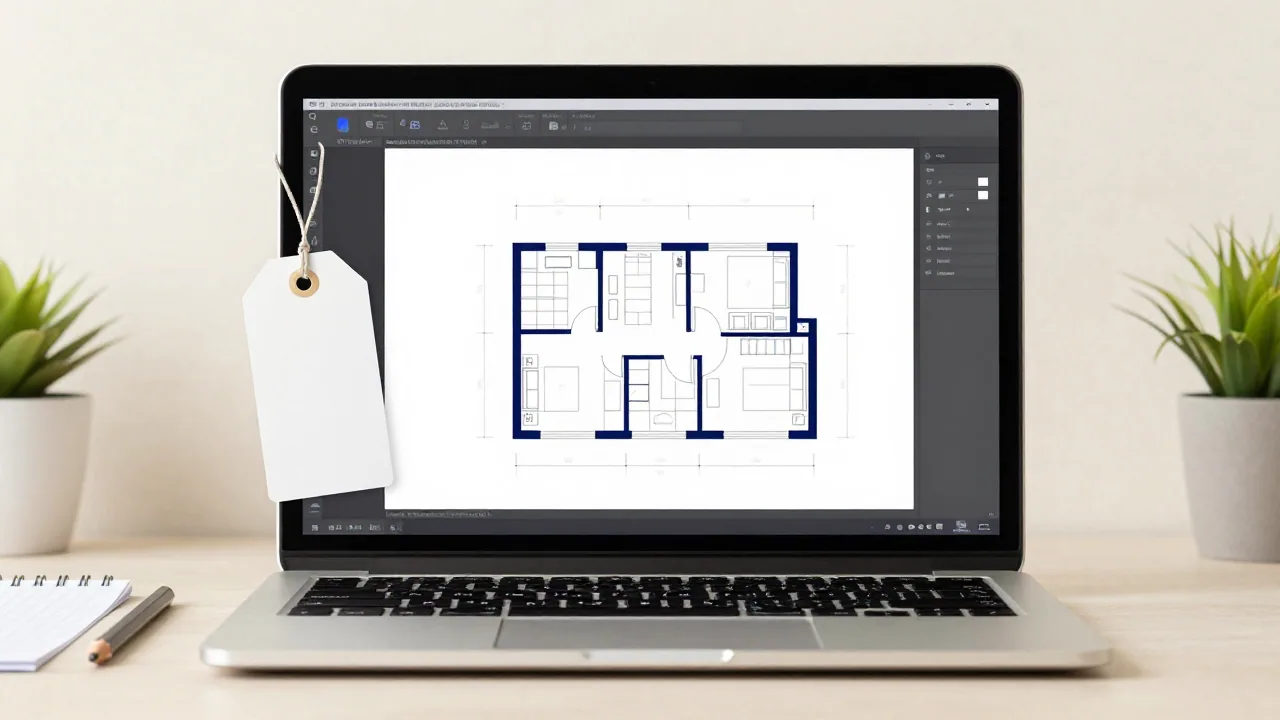
The genuinely free options are open-source desktop programs: Sweet Home 3D for drawing and furnishing a home, and LibreCAD or FreeCAD if you need CAD files. The well-known browser tools are free with conditions: a watermark, a low-resolution export, a cap on projects, a few starter credits or, for SketchUp Free, no commercial use. Which condition matters depends on what you need at the end: a picture to share, a plan to print, or a file someone else can edit.
How we checked
We make EZ Floor Planner, which is not free, so it isn't in the list; a separate note below says what we do give away. Every fact about the other tools comes from the vendor's own pricing, help or download pages, read on 11 October 2026; links are at the end. We didn't test every free tier, so there's no ranking. Prices are in US dollars, exclude tax and change often.
At a glance
| Tool | Runs on | Free tier | Main catch | Paid from (Oct 2026) |
|---|---|---|---|---|
| FreeCAD and LibreCAD | Windows, macOS, Linux | The whole program, open source | General CAD: you draw every line from your own measurements | Free |
| Sweet Home 3D | Windows, macOS, Linux; browser demo | The whole desktop program, open source | Small furniture catalog in the free download | Free; paid store and mobile editions |
| Canva | Browser | Floor plan templates; PDF, JPG and PNG downloads | Shapes and text; dimensions are typed by hand | Pro US$144/yr |
| Coohom | Browser | 3 projects | 1K renders with a watermark | $25/mo billed yearly |
| Floorplanner | Browser | 5 projects, up to 3 floors and 3 designs each | SD export (960 × 540) with a watermark; 10-minute wait between exports | Credit packs from $8.15 |
| Homestyler | Browser | Unlimited 1K renders | Watermark removal, 4K and plan exports are paid | Pro+ from $6.80/mo |
| Planner 5D | Browser and mobile | Unlimited projects, half the furniture catalog | Plan upload, photorealistic renders and CAD export are paid | $59.99/yr or $19.99/mo |
| SketchUp Free | Browser | 3D modeler, 10 GB cloud storage | Not for commercial use; exports SKP, PNG and STL only | Go: $10.75/mo billed yearly |
| magicplan | iOS and Android | 2 projects with all features | Then paid plans from 10 projects a month | $250/mo on a 24-month plan |
| RoomSketcher | Windows and Mac computers, iPad, Android tablets | 2 credits and 1 AI conversion | 2D and 3D plan images $4 per render; watermarked 3D snapshots | $12/mo billed yearly |
What "free" usually costs you
- A watermark. Floorplanner and Coohom mark free output, RoomSketcher marks free 3D snapshots, and Homestyler sells watermark removal in Pro+. Fine for planning; awkward for a listing or a client.
- Low resolution or few formats. Floorplanner's free export is 960 × 540 pixels. SketchUp Free exports SKP, PNG and STL, so no PDF or DWG. Canva keeps transparent PNG and SVG for paid plans.
- A cap on projects. magicplan allows 2 free projects, Coohom 3 and Floorplanner 5; Planner 5D and Homestyler have no cap.
- Starter credits, not a free tier. RoomSketcher's 2 credits and magicplan's 2 projects are for trying the product, not for working free.
- Commercial use. SketchUp's help center says SketchUp Free is not for commercial use, and Floorplanner calls its free tier "free for casual use". The other pricing pages we read don't say, so check the terms before using free output in paid work. Open-source licences such as the GPL govern the software, not the drawings you make with it.
- Desktop or browser. The open-source programs install on your computer and need no account; browser tools keep your projects in an online account. RoomSketcher's app doesn't run on phones.
Completely free: open-source desktop software
FreeCAD and LibreCAD
- What they are
- LibreCAD is a 2D CAD program that reads DXF and DWG and writes DXF, DWG, PDF and SVG. FreeCAD is a parametric 3D modeler with architecture and BIM tools; it reads and writes DXF, IFC, SVG and STL, among others.
- Free
- Everything. LibreCAD is licensed under GPLv2 and says there are no trials, subscriptions or licence fees; FreeCAD is LGPL 2.1. Both run on Windows, macOS and Linux.
- The catch
- These are general CAD programs: you draw walls as lines from your own measurements. FreeCAD is a full parametric modeler, more than most room layouts need. Good for a measured 2D plan sent as DXF.
Sweet Home 3D
- What it is
- A free interior design application: draw walls with precise dimensions, add doors, windows and furniture, and see it in 3D. You can trace an imported blueprint, add room areas and dimension lines, and export PDFs, images, videos and 3D files.
- Free
- The desktop program for Windows, macOS and Linux, open source under the GNU General Public License; the site lists version 7.5, updated 5 May 2025. A browser version runs in any WebGL browser, but its own page calls it a demo, and saving needs a free account.
- The catch
- The free download comes with a small catalog: 100 pieces of furniture and 26 textures on Windows, 929 pieces on macOS. Paid Microsoft Store, Mac App Store and mobile editions bundle more models. We found no AI features on its site.
Free tiers with limits: browser tools
Canva
- What it is
- A general design platform. You start from a floor plan template on a whiteboard, drag elements in for doors, windows and walls, and type room names and dimensions.
- Free
- Canva Free is US$0, with templates, 5 GB of storage, up to 20 Standard or Premium AI uses, and PDF, JPG and PNG downloads.
- The catch
- Measurements are only what you type: the floor plan pages describe no scale, wall or dimension tool. Transparent PNG, SVG and print PDF downloads need a paid plan. Pro is US$144 a year.
See also EZ Floor Planner vs Canva.
Coohom
- What it is
- A browser-based 3D home design platform: draw or upload a plan, then furnish and render it.
- Free
- Basic: 3 projects and 1K image renders.
- The catch
- Free renders carry a watermark. Pro is $25/month billed yearly ($300/year), and downloadable floor plan and construction drawings are listed on the higher Elite plan.
Floorplanner
- What it is
- A browser floor plan editor: draw rooms, walls, doors and windows, view them in 3D and furnish them from its model library.
- Free
- Basic: up to 5 projects, each limited to 3 floors and 3 designs. Floorplanner calls it "free for casual use".
- The catch
- Free exports are 960 × 540 with a watermark, with a 10-minute wait between exports. Upgrading a project costs credits, from 5 for $8.15.
See also EZ Floor Planner vs Floorplanner and Floorplanner alternatives.
Homestyler
- What it is
- A cloud-based 3D floor planner and home design tool with more than 100,000 free 3D models and materials.
- Free
- Basic: unlimited 1K renders and unlimited projects. 4K renders are bought one at a time.
- The catch
- Watermark removal and exports of coloured floor plans and construction drawings are Pro+ benefits, from $6.80/month.
Planner 5D
- What it is
- A 2D and 3D home design editor on the web and on mobile.
- Free
- Unlimited projects, 2D and 3D floor plans, and 50% of the furniture catalog, with no time limit.
- The catch
- The full catalog, AI plan recognition and photorealistic renders need Premium ($19.99/month or $59.99/year); CAD export needs Professional ($49.99/month or $399.99/year).
SketchUp Free
- What it is
- Trimble's general-purpose 3D modeler in the browser, not a dedicated floor plan app.
- Free
- The core modeler, 10 GB of Trimble Connect storage and the 3D Warehouse model library. It imports SKP, JPG and PNG and exports SKP, PNG and STL.
- The catch
- SketchUp's help center says SketchUp Free is not for commercial use, and free users get no support. No PDF or DWG export. Go is $10.75/month billed annually; the desktop app needs Pro, $33.25/month billed annually.
Free to try: starter credits and projects
magicplan
- What it is
- A phone and tablet app for drawing a floor plan on site, with manual and laser-assisted measuring, and LiDAR scanning on iOS Pro devices.
- Free
- Two projects with all features.
- The catch
- After that you pay per project on plans aimed at restoration teams: from 10 new projects a month at $25 to $40 each, or $250 to $400 a month.
RoomSketcher
- What it is
- A floor plan and home design app for Windows and Mac computers, iPads and Android tablets (not phones), with AI Convert to turn an existing plan into an editable project.
- Free
- Two starter credits, one free AI floor plan conversion, room sizes and a 10-project archive.
- The catch
- On Free, 2D and 3D floor plan images are listed at $4 per render and 3D snapshots are watermarked; measurements, total area and printing to scale are Pro features. Pro is $12/month billed yearly ($144/year) or $24 monthly.
See also RoomSketcher alternatives.
What about EZ Floor Planner?
EZ Floor Planner is not free floor plan software. New accounts get 10 welcome credits that work only on the Z-Image draft model, at 2 credits per image: five quick drafts. Everything else is paid: yearly plans from $4.95/month, monthly plans from $9.90, or one-time credit packs from $9.90. It's also a different kind of tool: you describe a layout and an AI model draws a floor plan image, downloadable as PNG or PDF. It isn't an editor, it isn't CAD, and the result isn't to scale.
These parts of the site are free and need no account: the area calculator, unit converters such as square metres to square feet, the floor plan symbols guide and how to read a floor plan.
How to choose
- Free, no watermark, no account: Sweet Home 3D for a furnished home plan, or LibreCAD for a 2D drawing you can send as DXF.
- A quick plan in the browser, and a watermark is fine: Floorplanner, Coohom or Homestyler.
- Furniture layouts on a phone: Planner 5D.
- Measuring a real space with your phone: magicplan's two free projects.
- A plan inside a flyer or a slide: Canva.
- You'd rather describe the layout than draw it: that's an AI generator. Most run on paid credits after a small free allowance; see the best AI floor plan generators. ChatGPT's free plan includes limited image creation; see can ChatGPT make a floor plan?
Where EZ Floor Planner fits
If you want free floor plan software, use one of the tools above; EZ Floor Planner isn't one. It fits when you'd rather describe a layout than draw it, want a floor plan image in about 20 seconds with the default model, and will pay per image after the welcome credits. The calculator, converters and symbols guide are free whatever you draw in.
FAQ
What is the best free floor plan software?
For a home plan with no strings attached, Sweet Home 3D: free, open source, no watermark, with 3D and furniture. For a CAD file, LibreCAD. In a browser, Planner 5D allows unlimited free projects, and Floorplanner allows five with watermarked exports.
Can I use SketchUp Free for commercial work?
No. SketchUp's help center says SketchUp Free is not for commercial use. The cheapest paid plan, SketchUp Go, is $10.75/month billed annually.
Which free floor plan software exports DXF or DWG?
LibreCAD reads DXF and DWG and writes DXF, DWG, PDF and SVG; FreeCAD reads and writes DXF and IFC, among others. None of the free browser tiers we checked exports CAD files.
Is EZ Floor Planner free?
No. New accounts get 10 welcome credits for the Z-Image draft model, enough for five drafts; after that it's paid, from $4.95/month billed yearly or a $9.90 credit pack. The area calculator, unit converters and floor plan symbols guide are free.
Can I make a floor plan with AI for free?
Partly. ChatGPT's free plan includes limited image creation, which can produce a rough floor plan image; see can ChatGPT make a floor plan? Most dedicated AI floor plan generators give a small free allowance and then charge for credits.