Technical
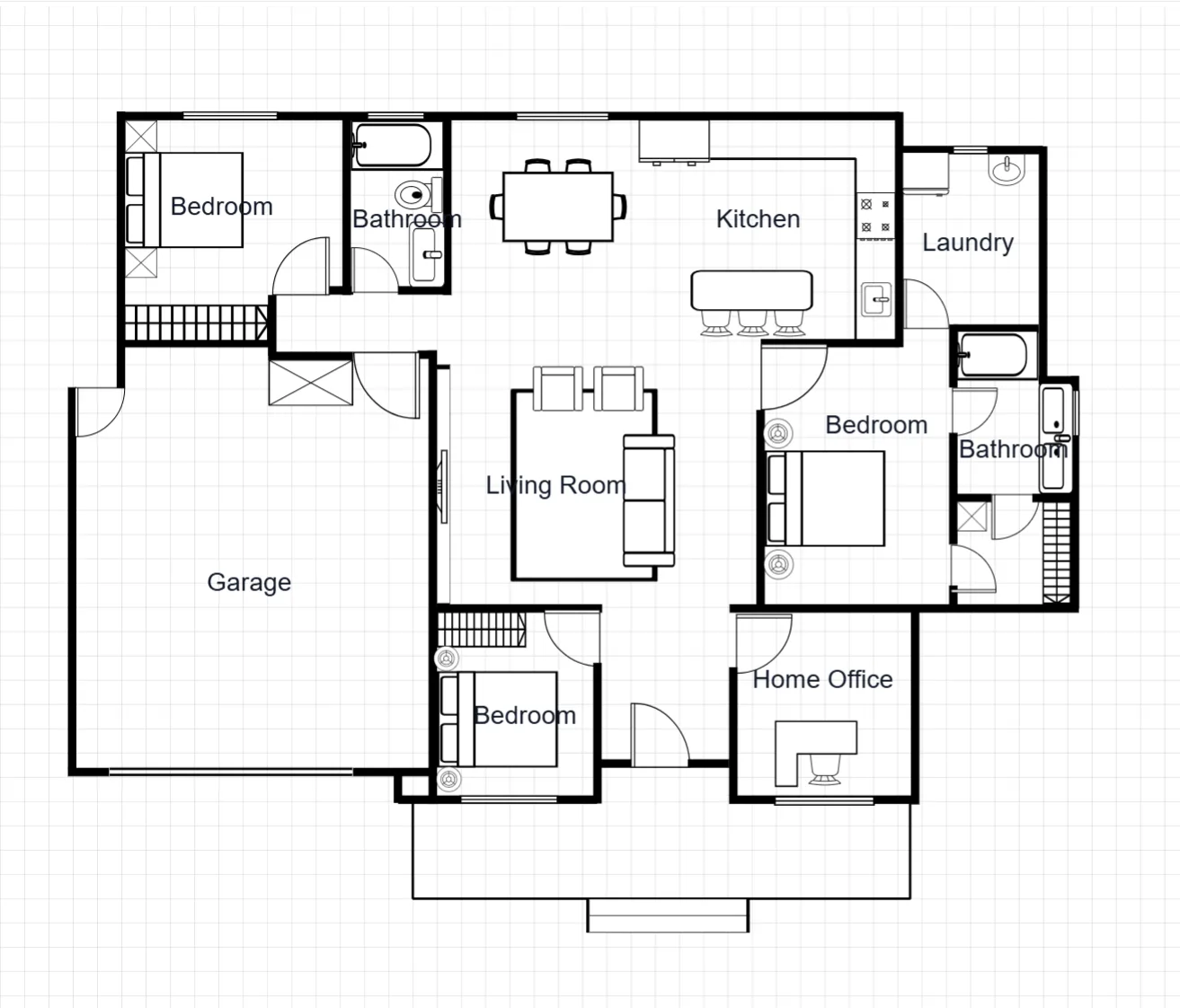
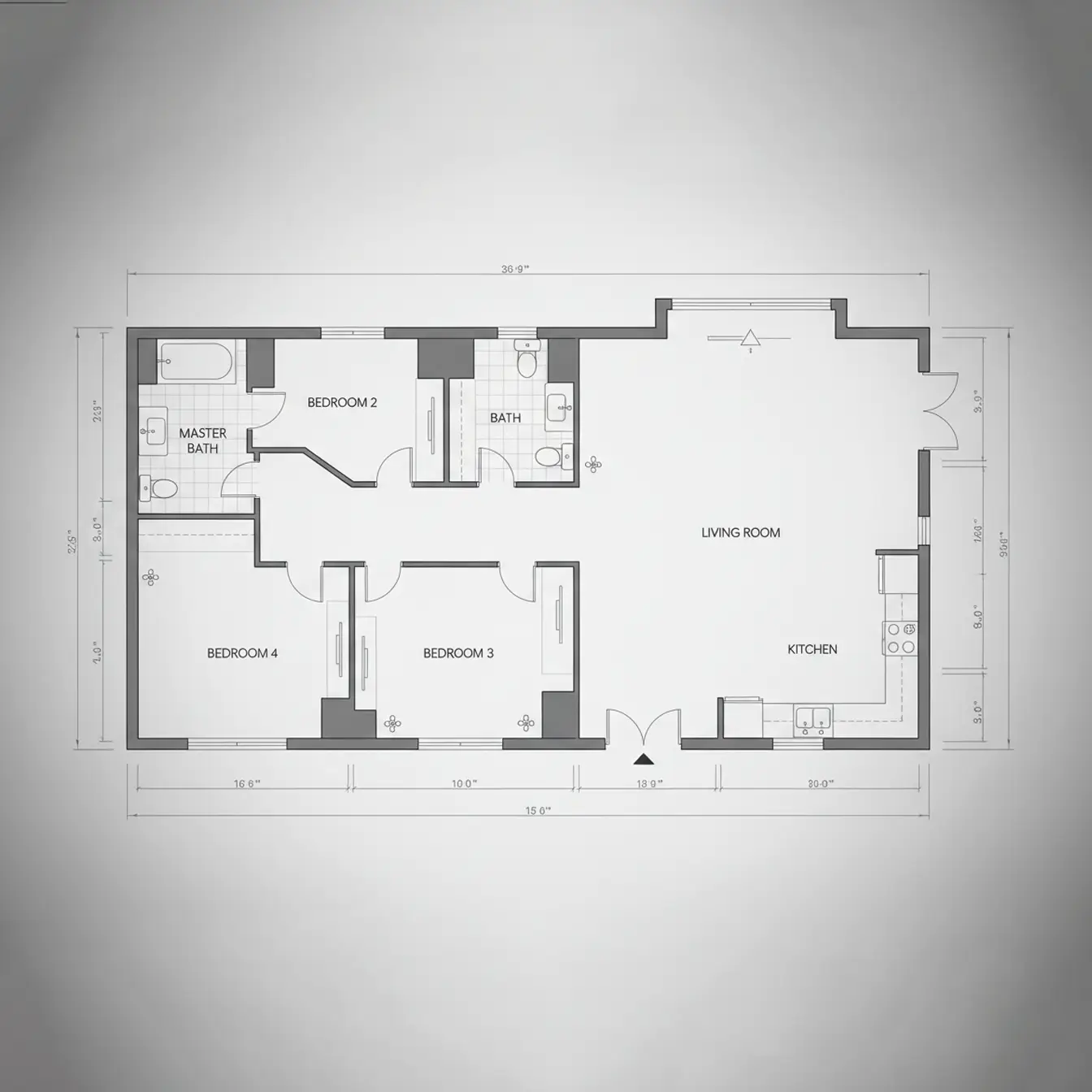
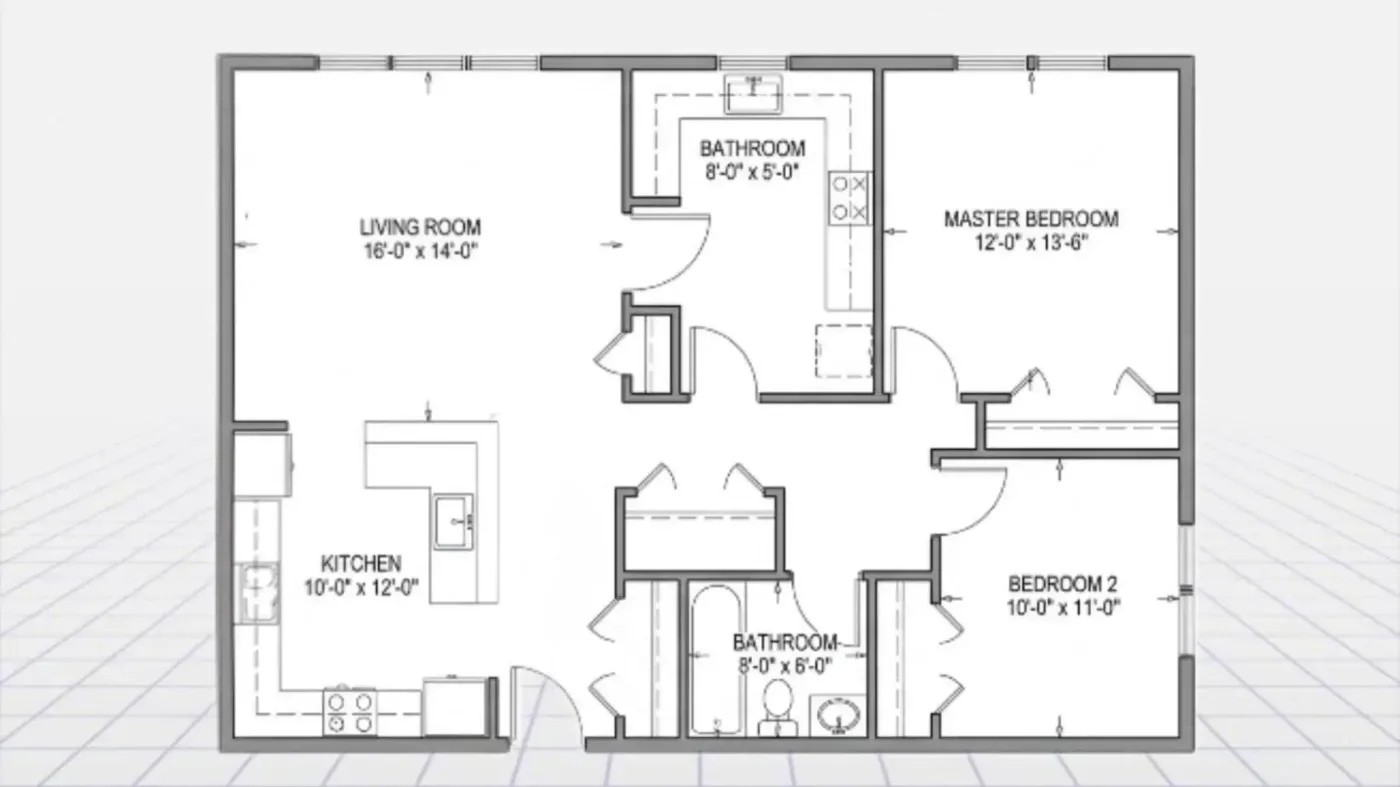
Thin black line work with room labels and dimension strings, like a drafting-table drawing.
AI Floor Plan Generator · Browser-Based
Describe the rooms you need and this floor plan maker turns your words into a labelled 2D floor plan image. Already have a sketch or an old plan? Upload it and describe the change you want.
For homeowners, designers and real estate agents — a planning aid, not permit drawings
Popular Tools
Every tool in this floor plan maker is an AI image generator: describe a layout in words, or upload one sketch or plan and describe the change, then view the result in your browser.
Type the rooms, rough size and arrangement you want, and this floor plan maker draws the layout as an image in Technical, Blueprint or Colored 2D style.
Open tool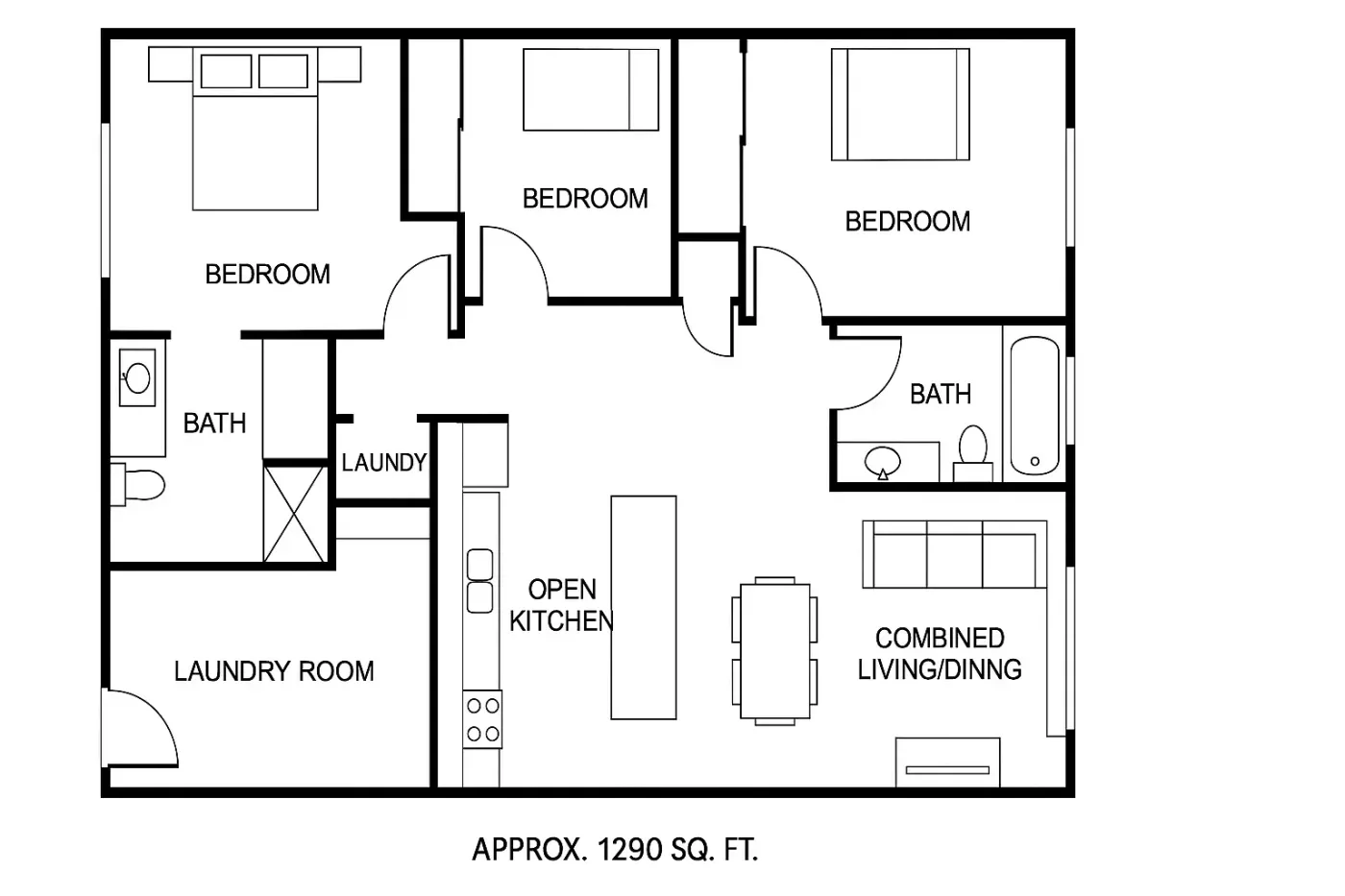
Write a brief with bedroom and bathroom counts, total area and must-have rooms, and get a 2D plan image. Run it on another model to compare.
Open tool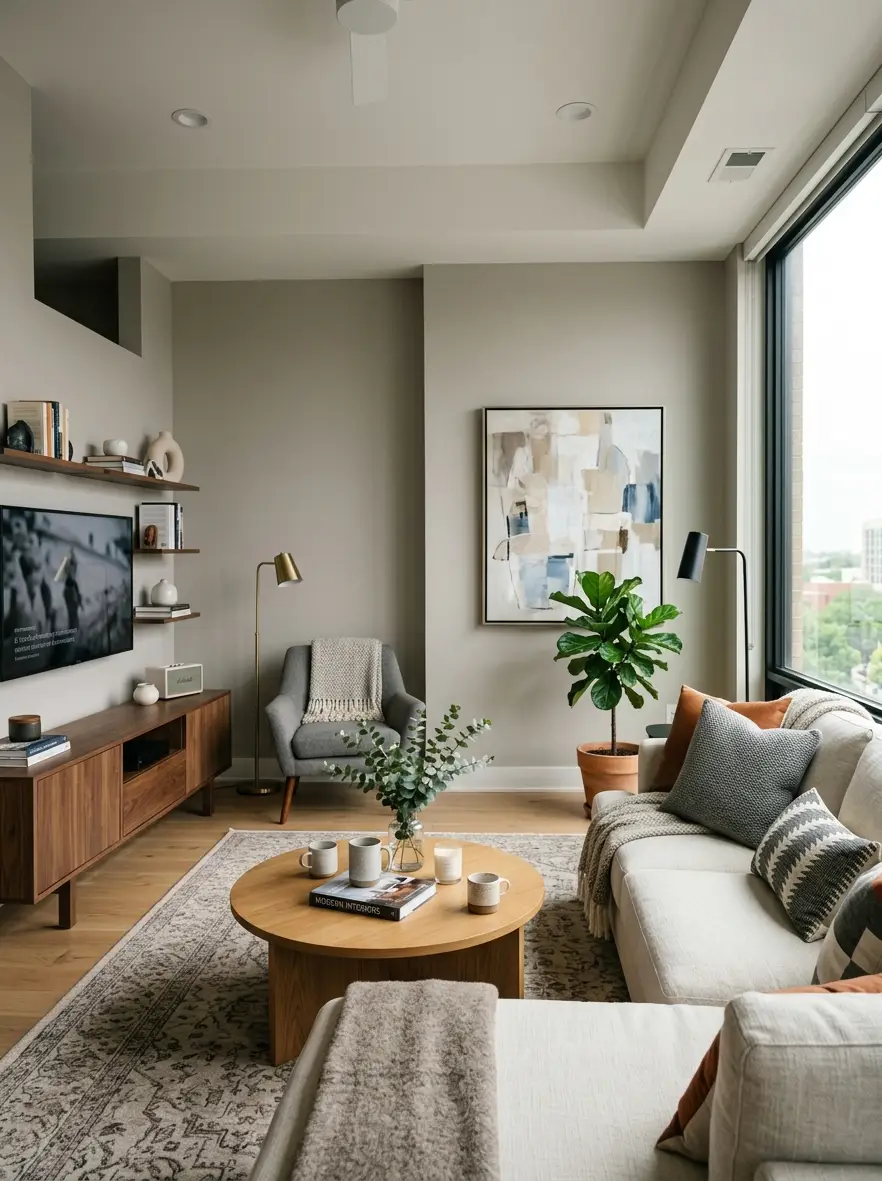
Describe a room, its furniture, materials and light, and get a realistic interior rendering. Useful for testing a style or color scheme before buying anything or briefing a designer.
Open tool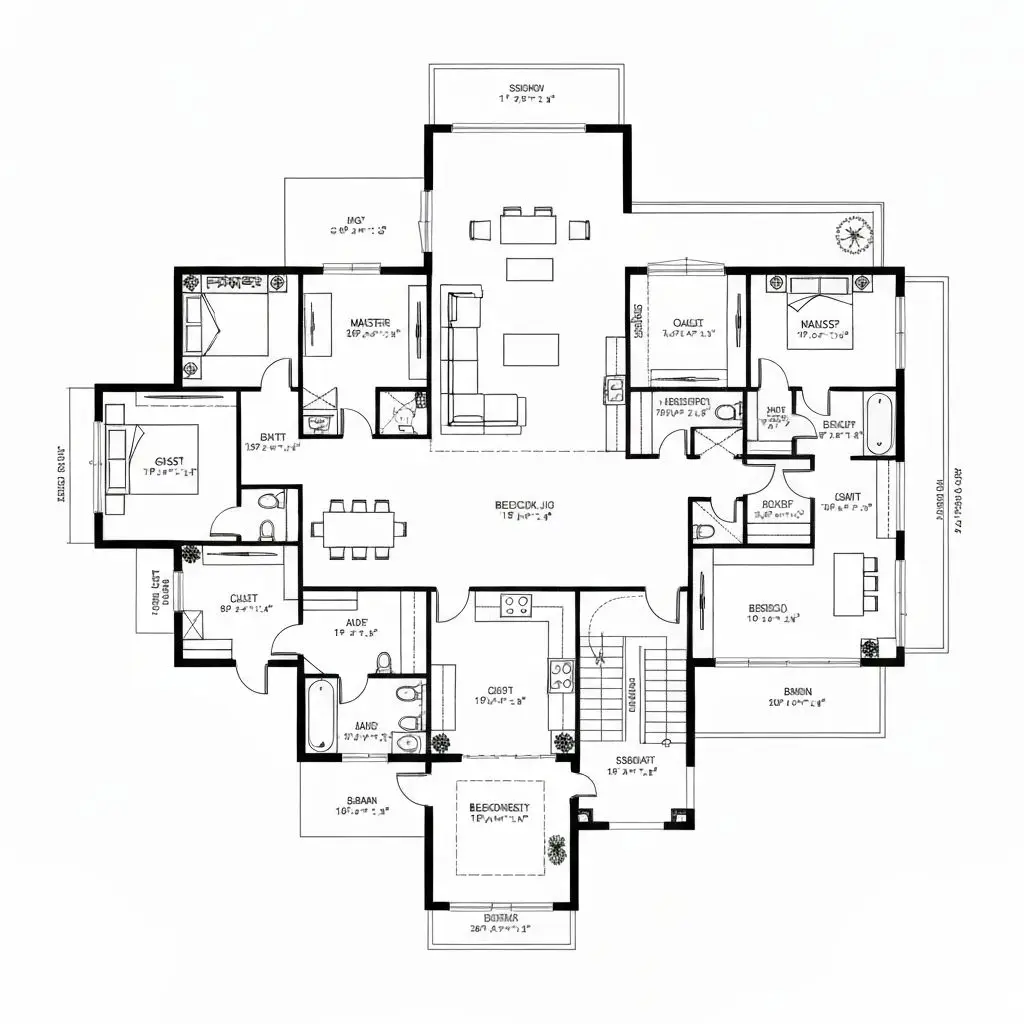
Describe the layout and get a black-and-white technical drawing with room labels and dimension lines. The result is an image, not a CAD file, so check figures against real measurements.
Open tool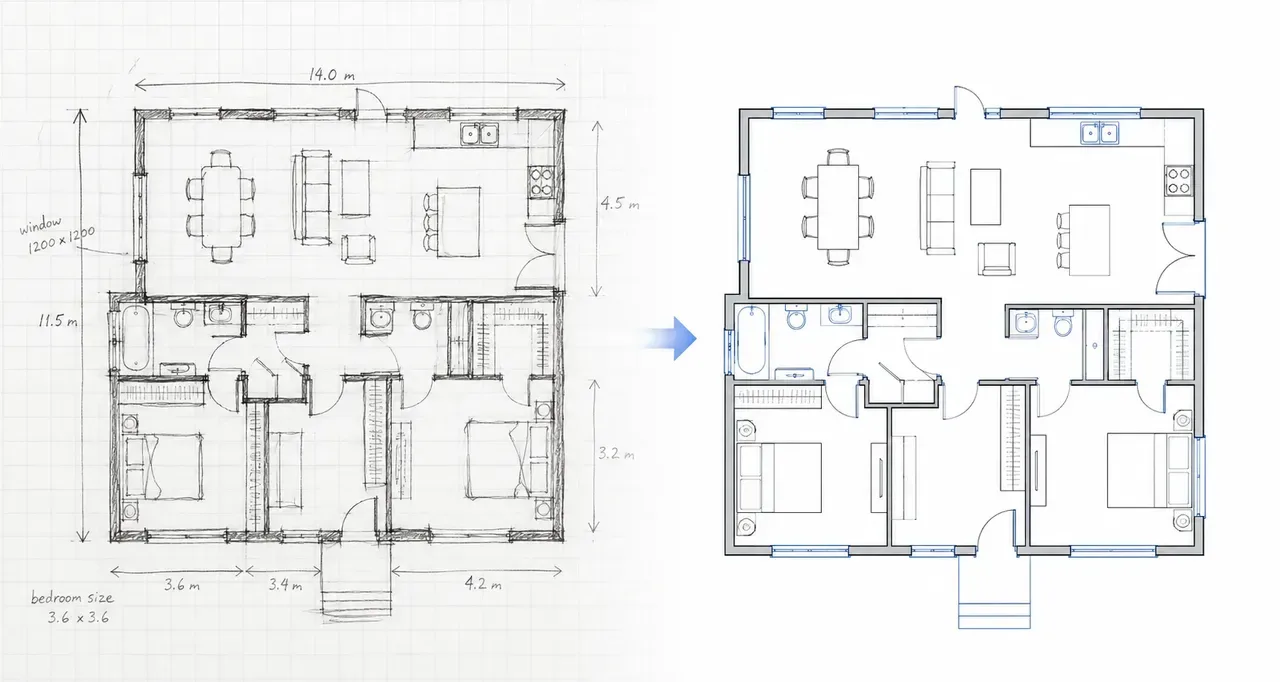
Upload a photo or scan of a hand sketch and the AI redraws it as a clean plan that follows your room arrangement.
Open tool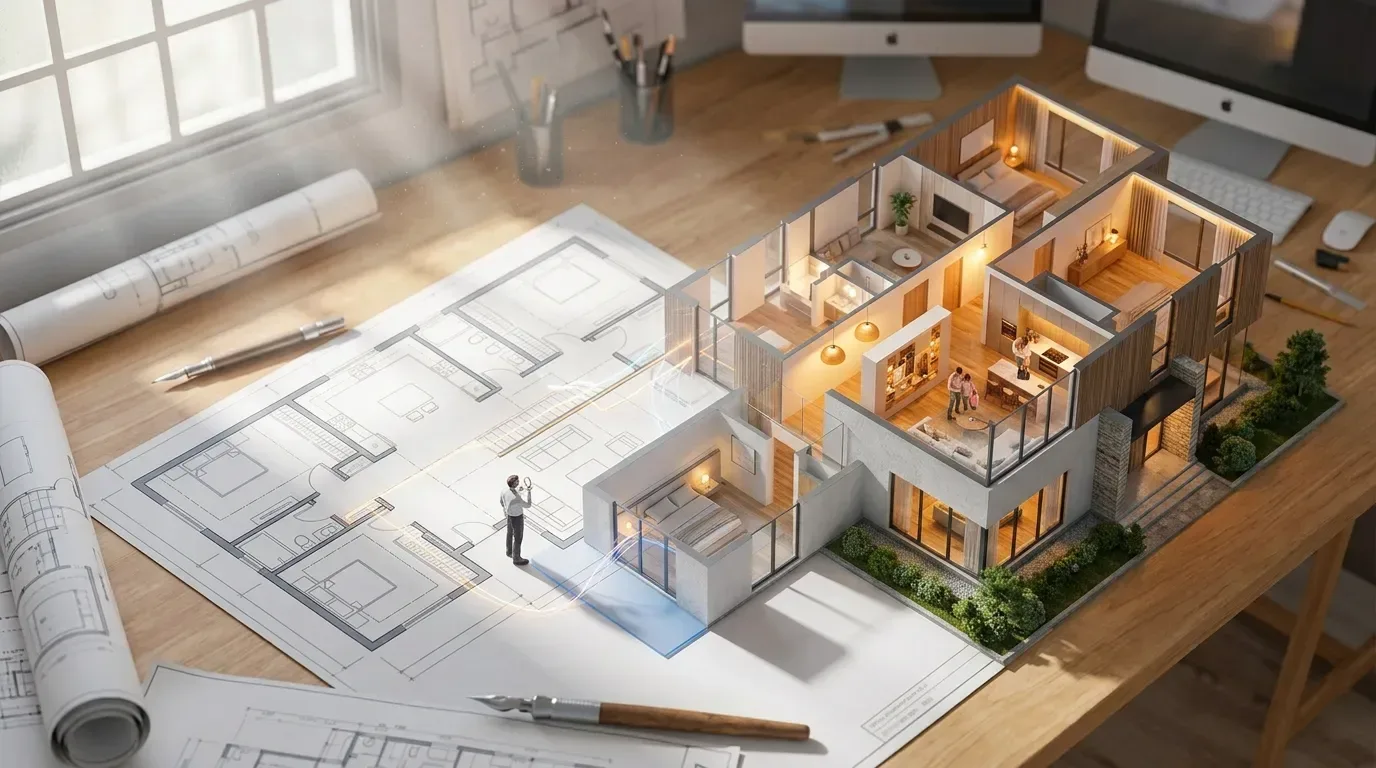
Upload a 2D plan and get a 3D isometric cutaway image of the same layout to check proportions and flow. It is a picture, not a 3D model.
Open toolHow It Works
The floor plan maker runs in your browser with nothing to install, and turns a written brief or one uploaded image into a finished plan image.
Open the floor plan maker and write what the plan should contain: room count, rough sizes, how spaces connect and what should be labelled. On floor plan tools, pick the Room, House or Custom tab to set the scope. To start from a sketch or existing plan, upload one PNG or JPG up to 10MB.
Select a style such as Technical, Blueprint or 3D Isometric, choose a model and set the aspect ratio. The credit cost is shown on the Generate button before you press it, and a failed generation is refunded automatically.
Check the image against your brief. If a room is missing or mislabelled, adjust the prompt and generate again. When it looks right, open it full size to save or share, and find it later in History when signed in. Plans from the floor plan maker are planning aids, not permit-ready drawings.
Before and After
Drag the handle to compare the image that went in with the image that came out. Each pair is an example from one of our tools; your results depend on the brief, style and model.
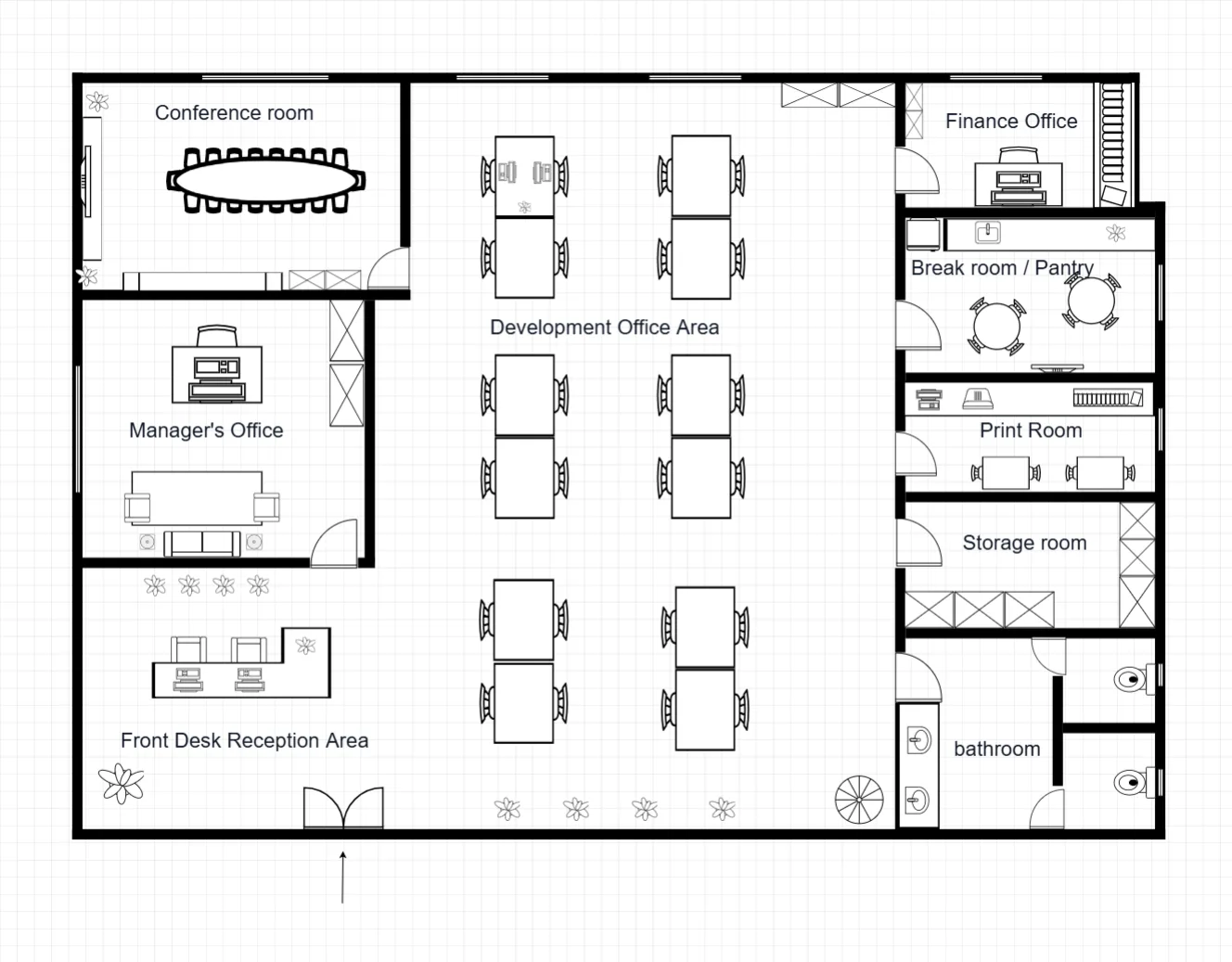
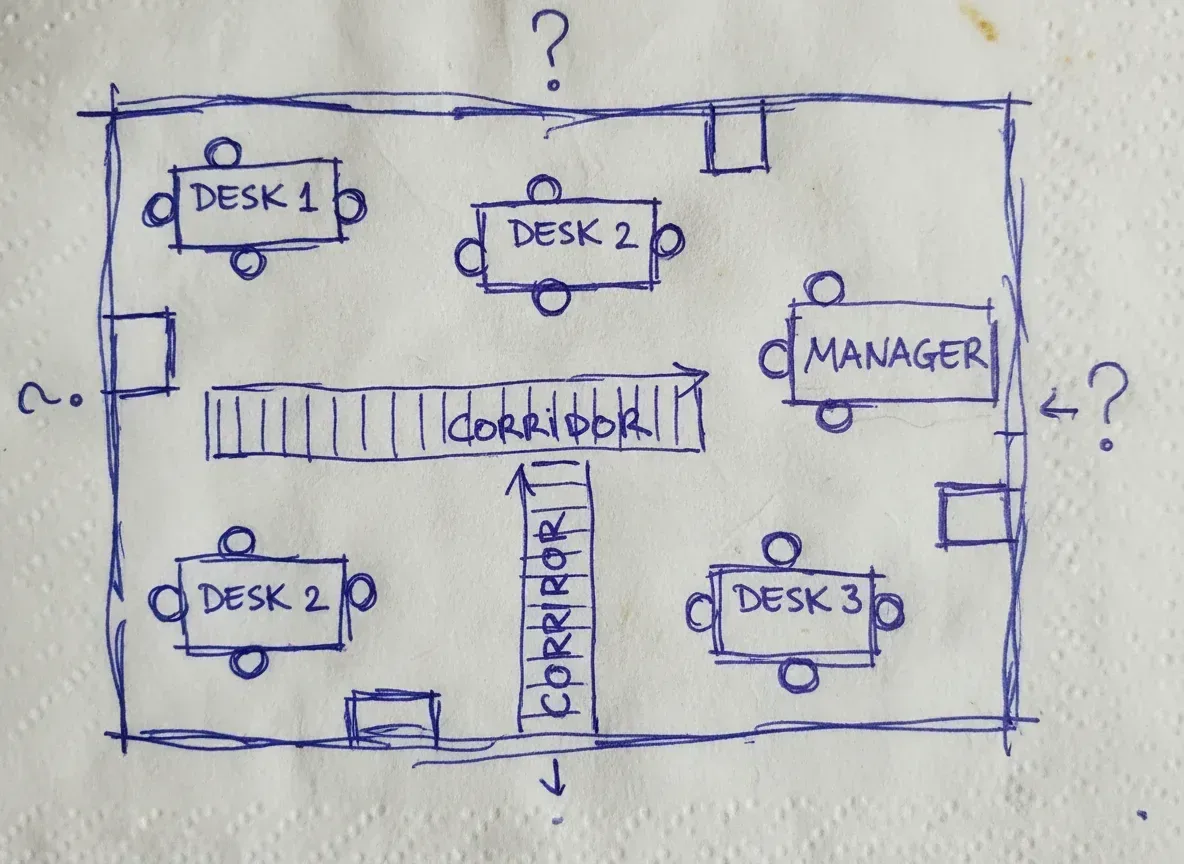 Clean floor plan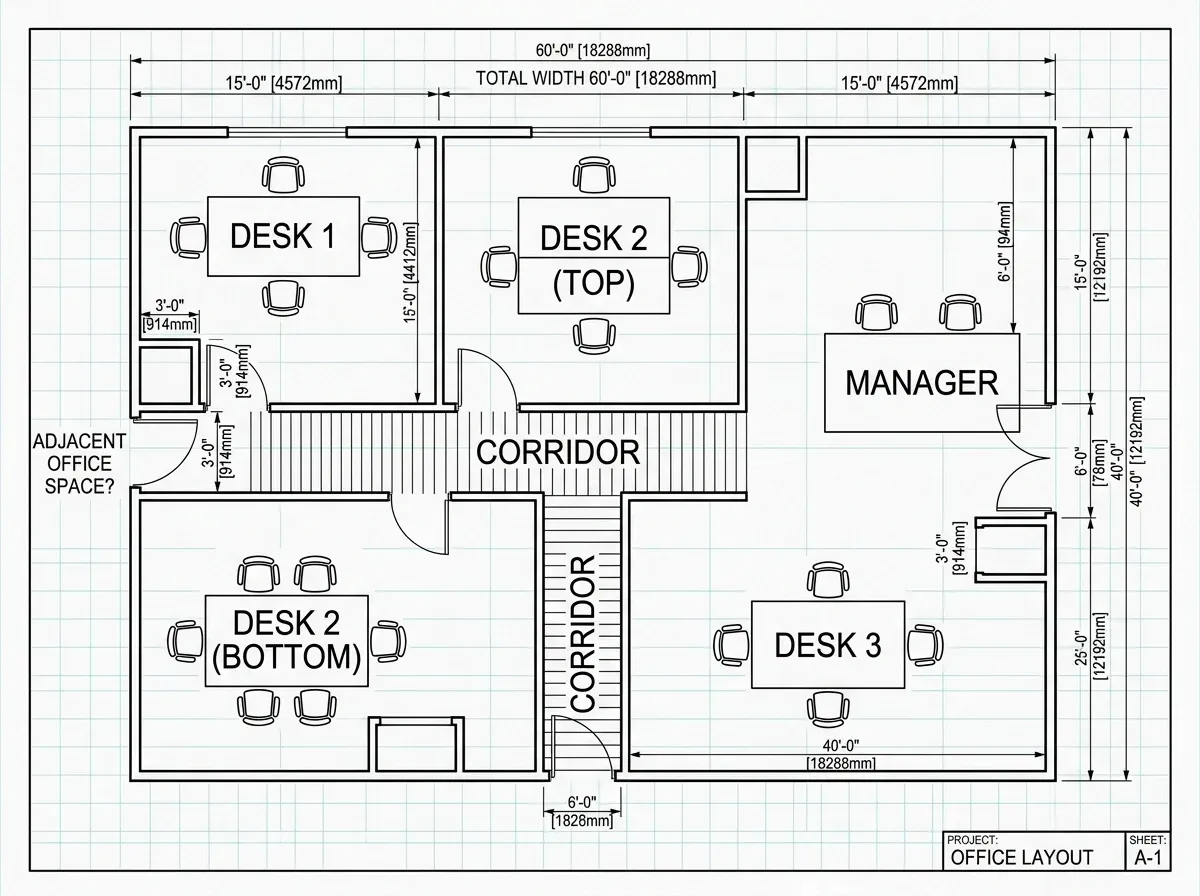
A photo of an office layout sketched on a napkin, redrawn as a tidy 2D plan that keeps the same desks, corridors and labels. The dimensions it adds are approximate.
Try Sketch to Floor PlanDrawing Styles
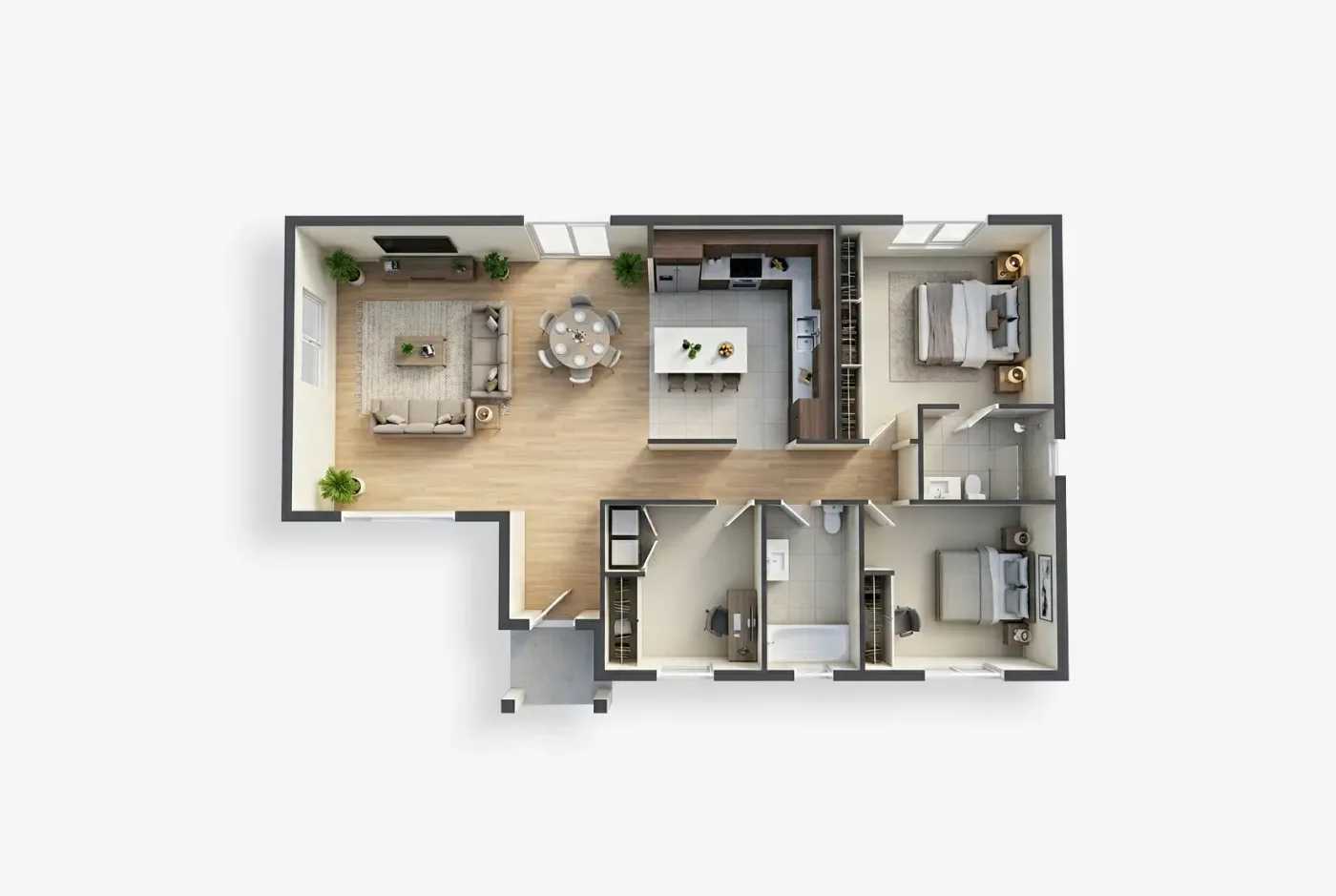
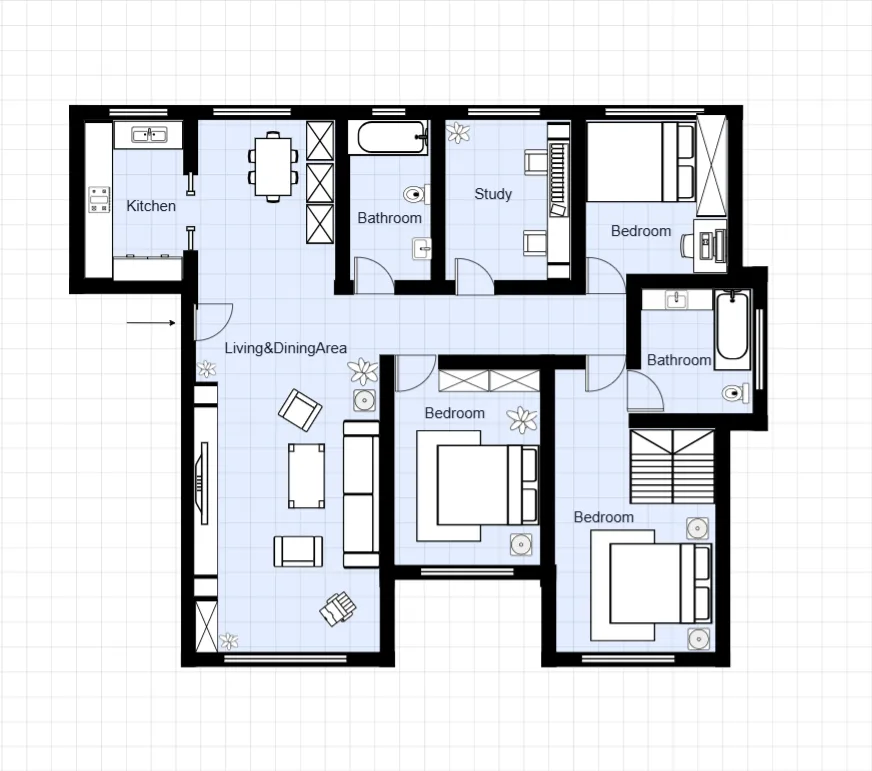
Pick a style in the floor plan maker before you generate. The same description can come back as a technical drawing, a blueprint, a coloured plan, a 3D isometric cutaway, a realistic render or a collage.
Thin black line work with room labels and dimension strings, like a drafting-table drawing.
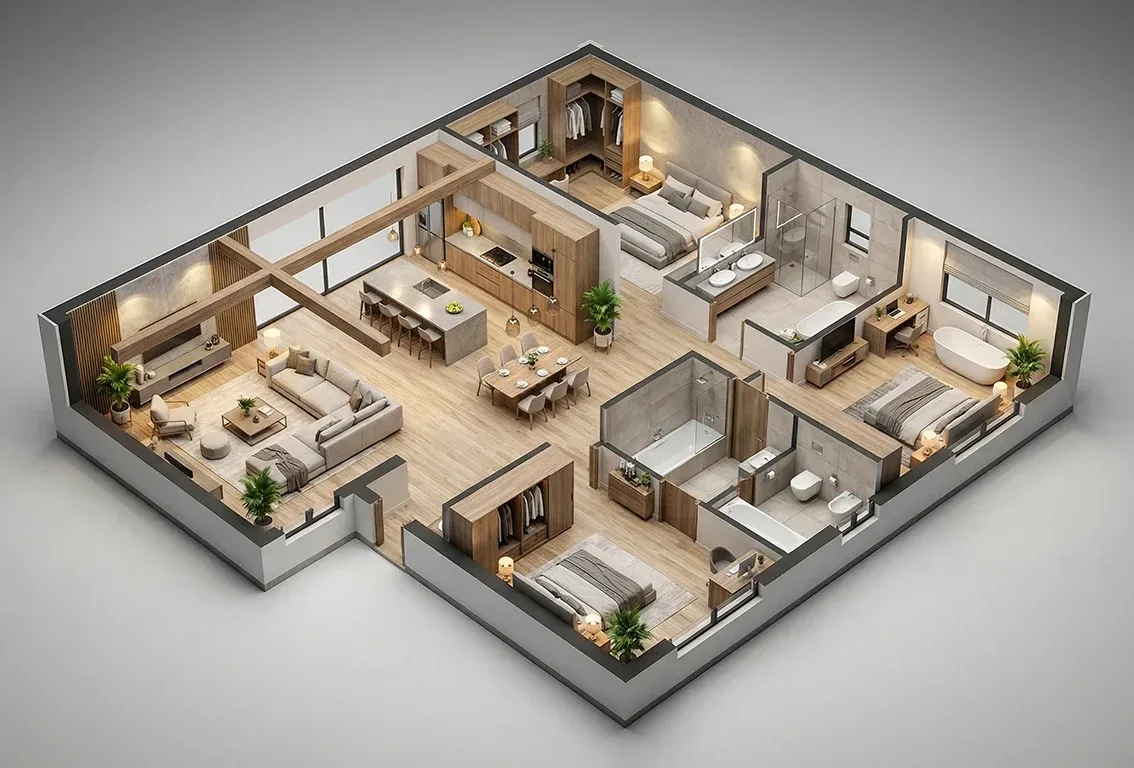
A cutaway seen from above at an angle, with the roof taken off and every room furnished.
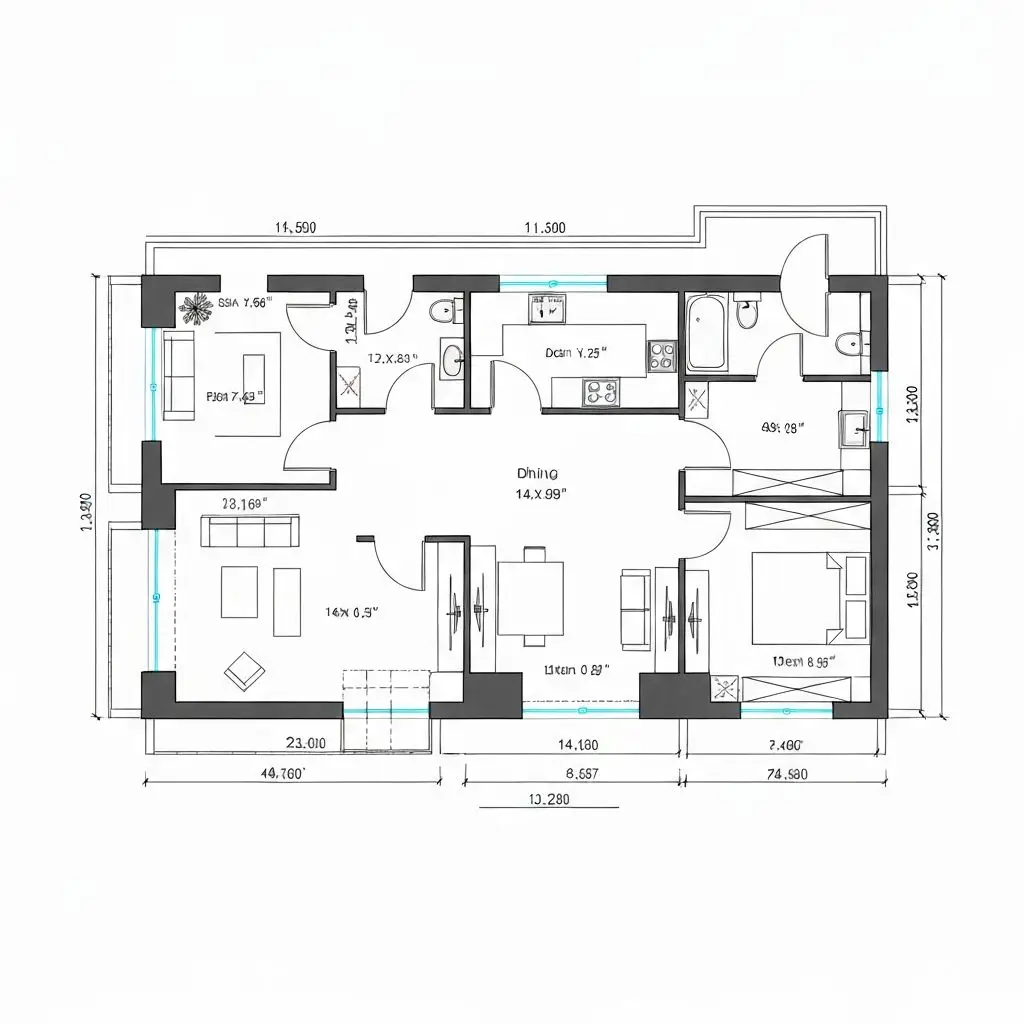
Drafting line work with cyan window lines and measurement annotations along every side.
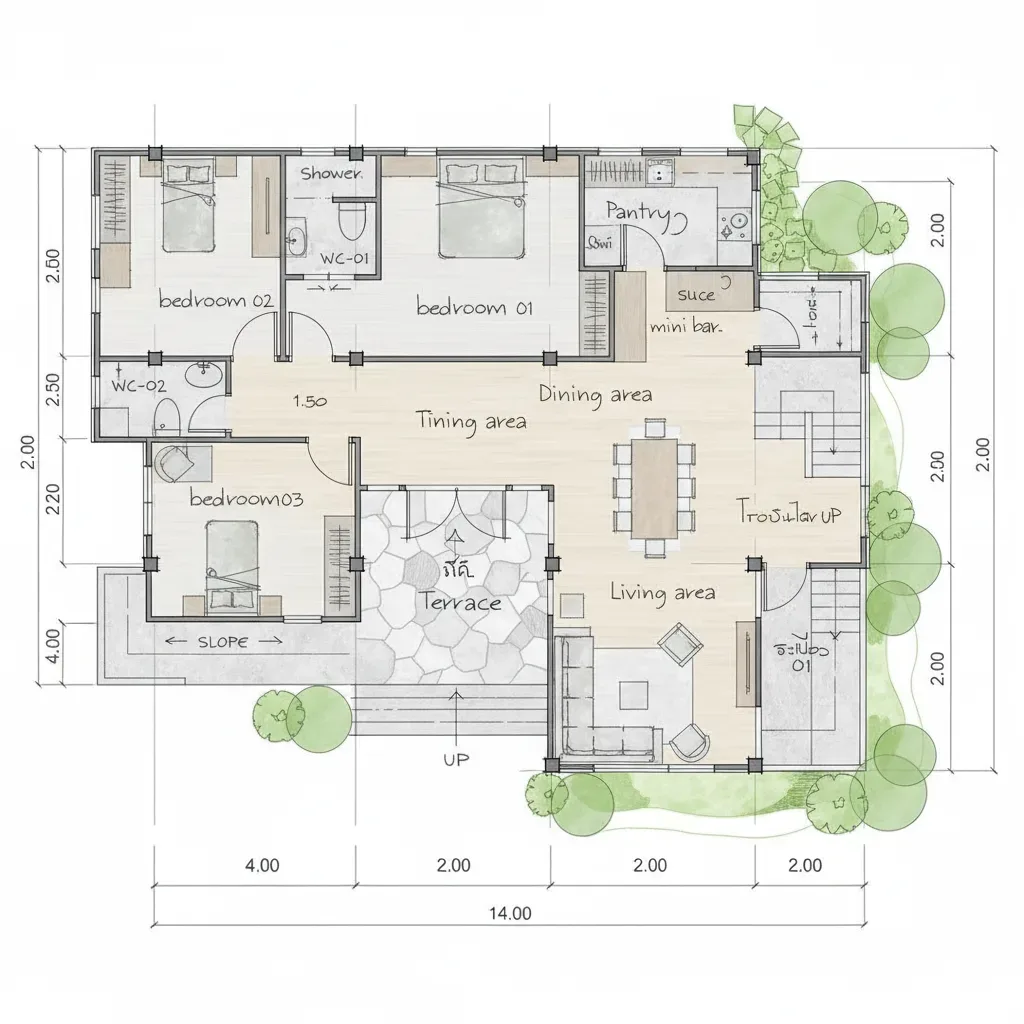
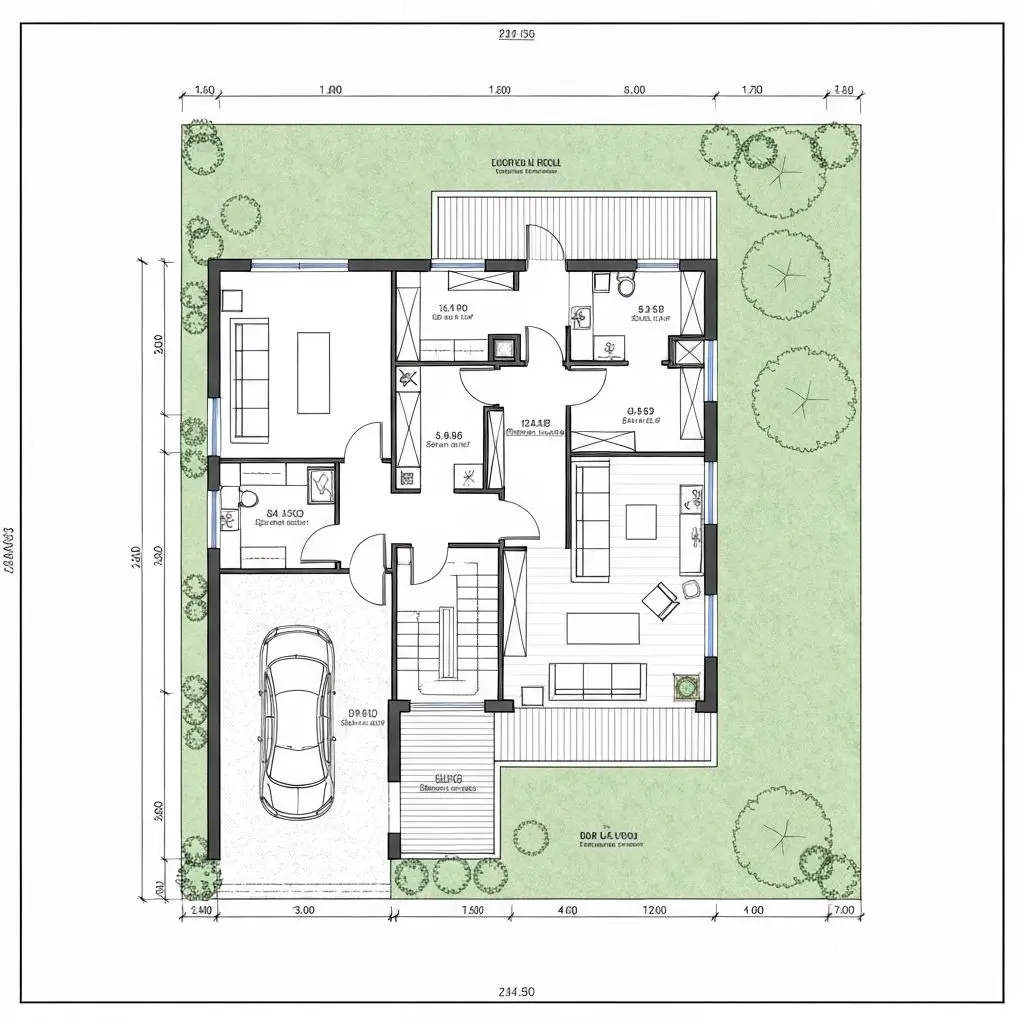
Soft colour washes, furniture icons and hand-lettered room names, with planting sketched around the outside.
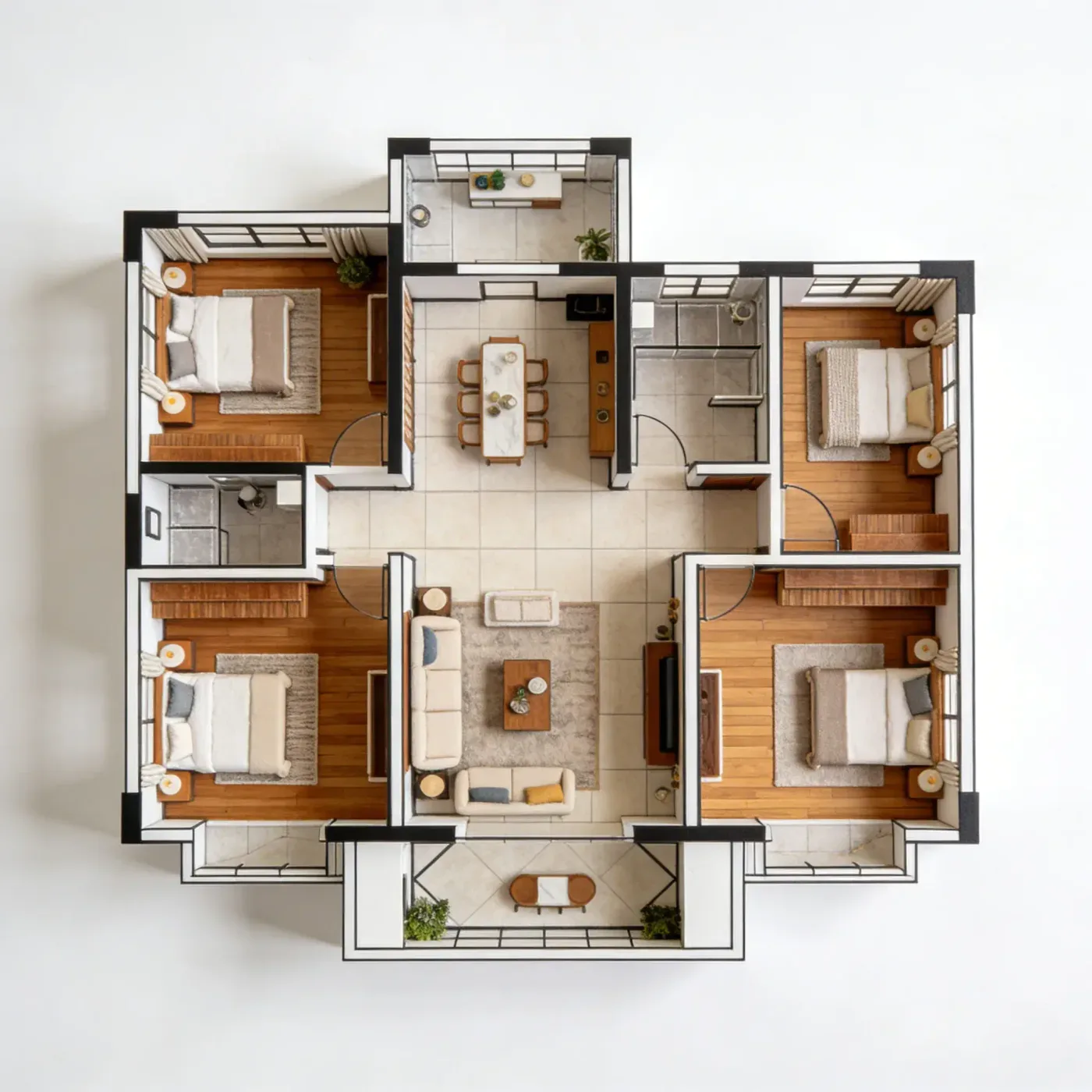
Photorealistic materials such as timber floors and tile, lit by soft daylight.
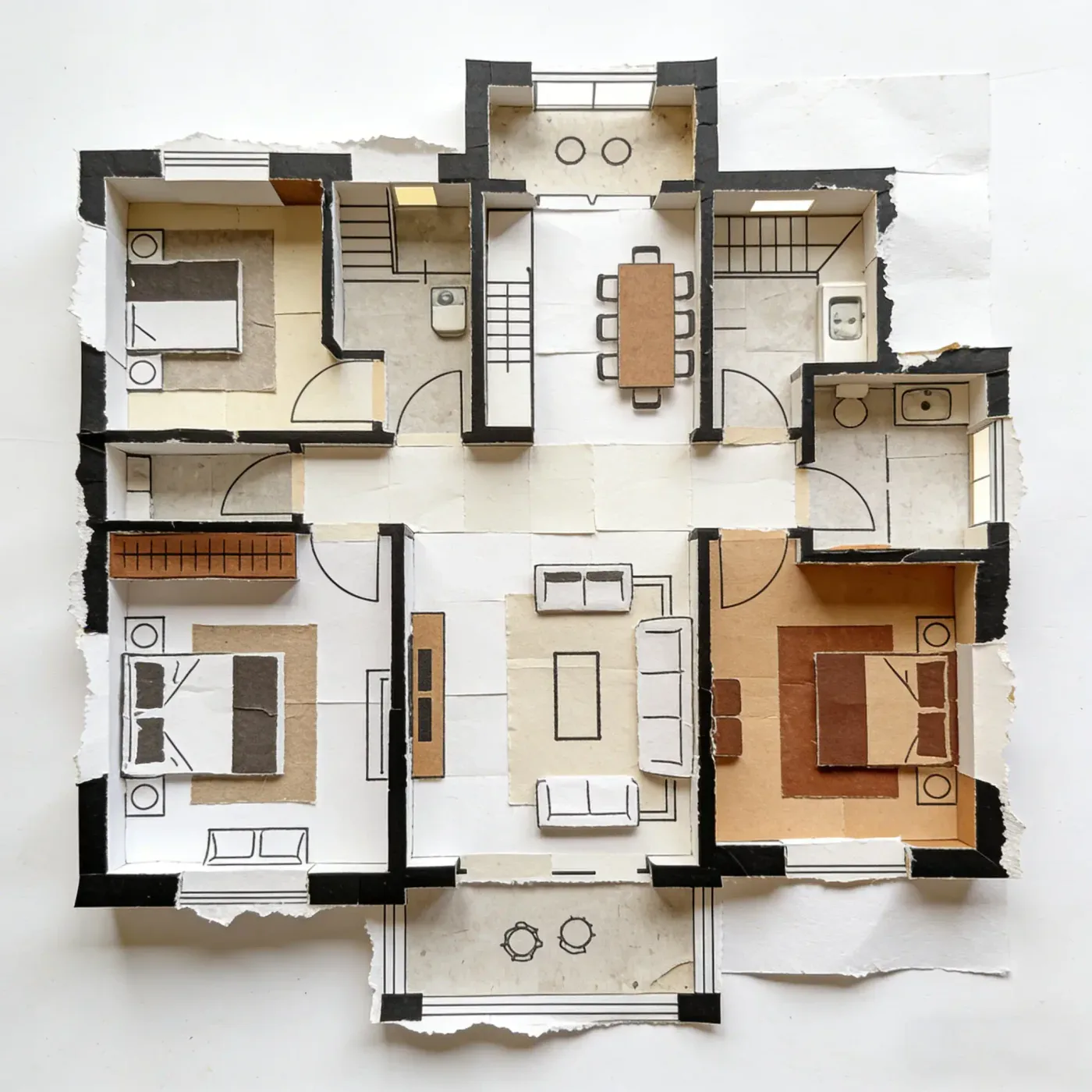
A paper collage of the plan, with torn edges, card and kraft-paper textures and furniture cut-outs.
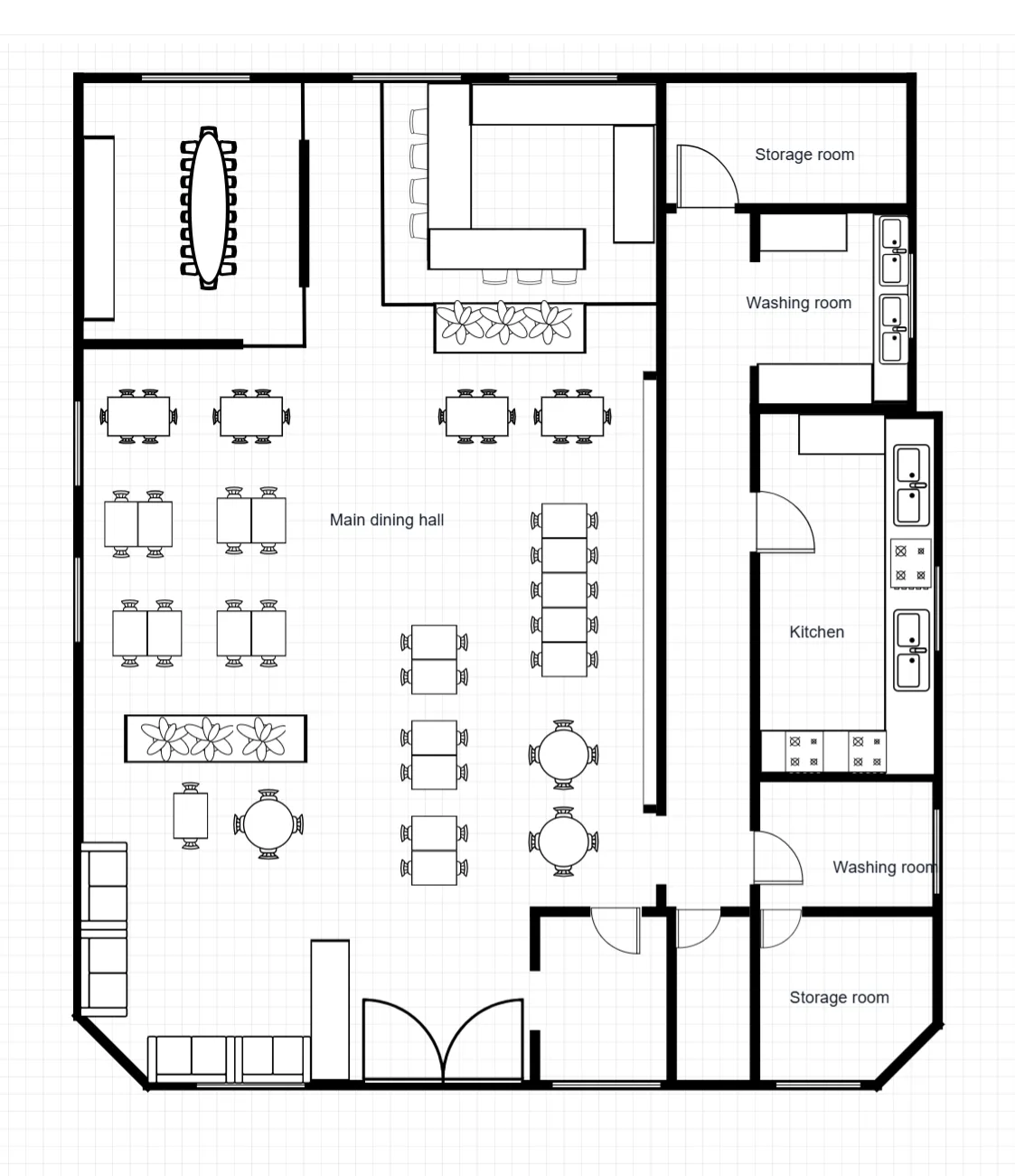
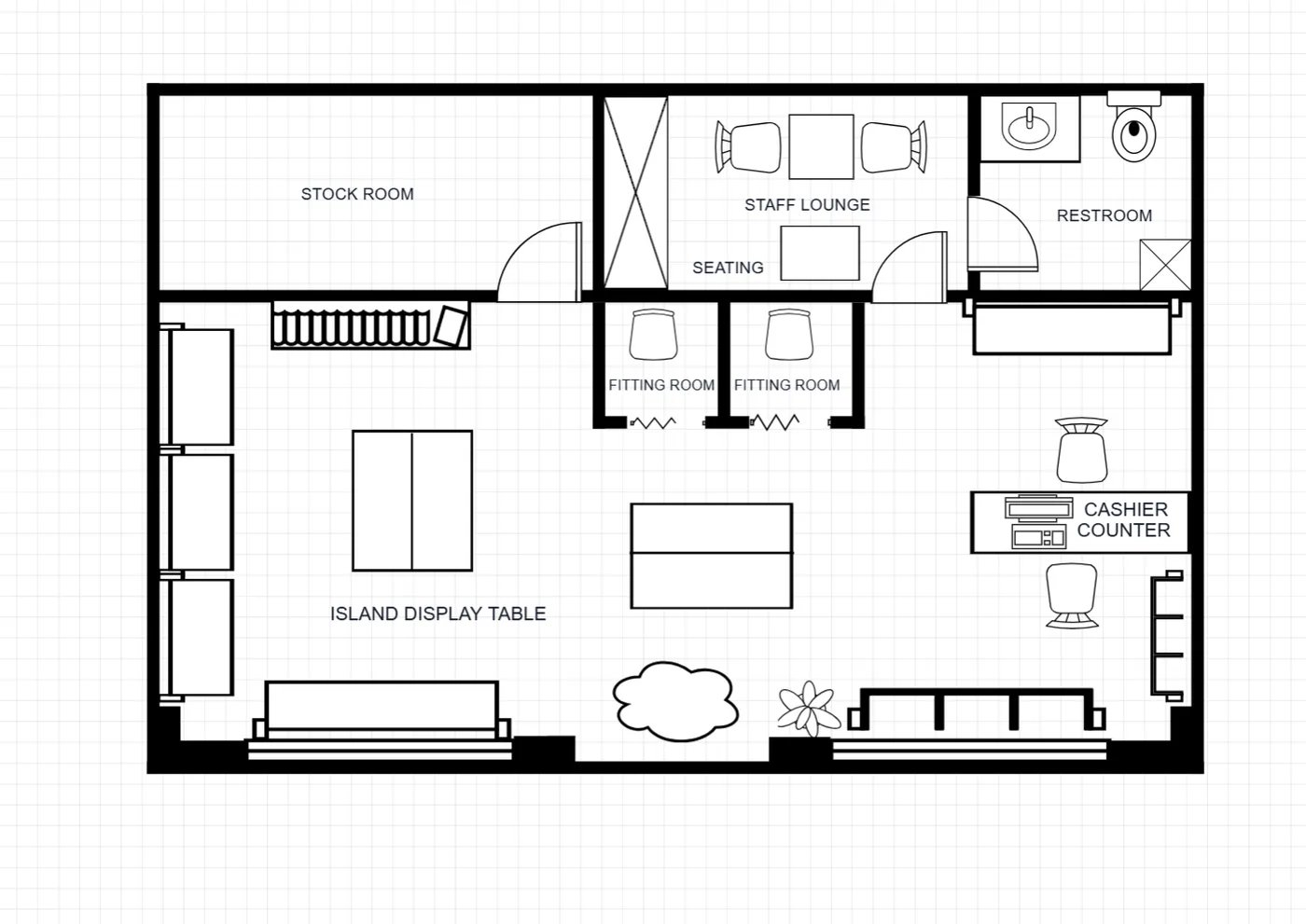
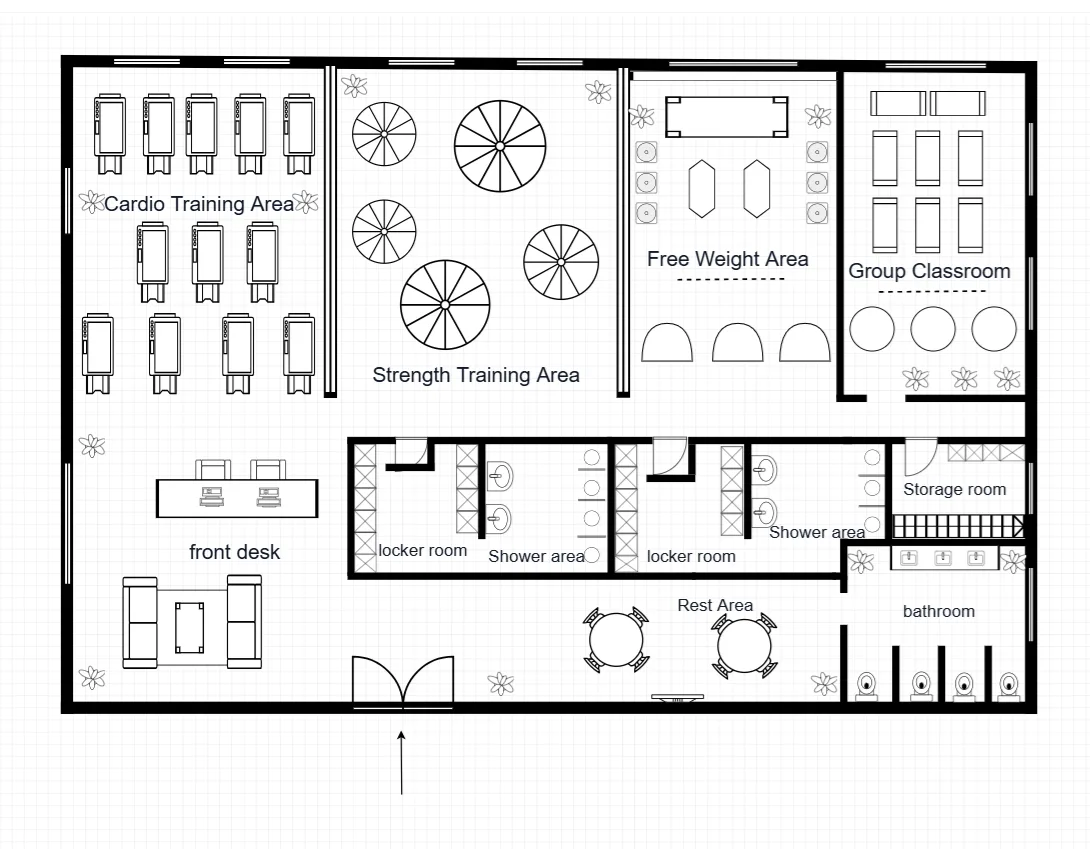
Each example image comes from a different brief.
Templates
Browse example plans for houses, apartments, offices, restaurants, retail units and commercial spaces. Each template is a finished reference image, not an editable file. To make your own version, note the room sizes and arrangement you like, describe them with your changes, such as an extra bedroom, in the floor plan maker, and create a new plan image. Browsing is free; each generation uses credits.
Core Features
EZ Floor Planner is an online floor plan maker built on AI image generation. Describe a space or upload one image, choose a style, and get a plan image you can open full size. Reference templates, a floor plan symbol guide and an area calculator sit alongside it.
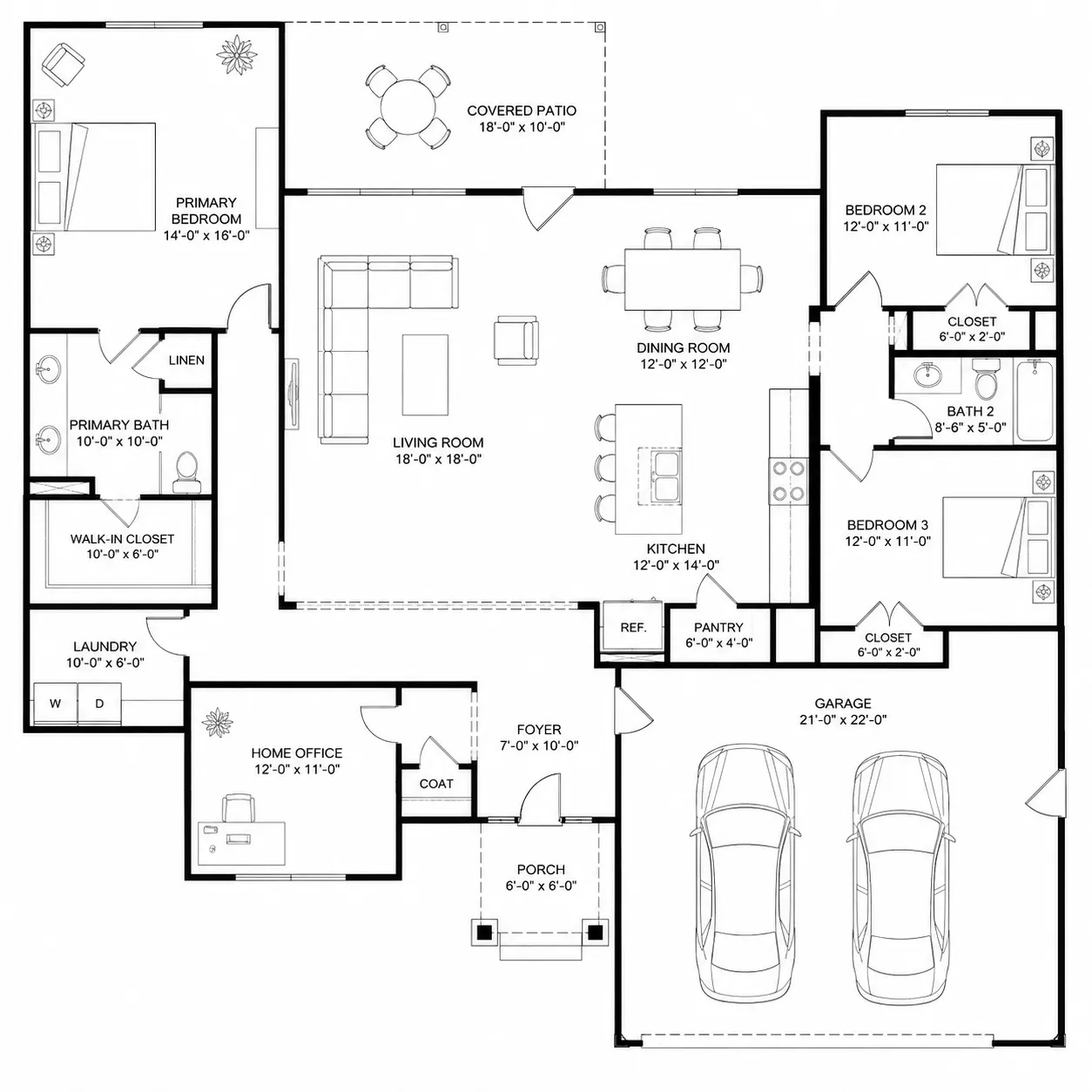
Type what you need — three bedrooms, an open kitchen, two bathrooms — and the floor plan maker turns that brief into a labelled 2D layout. Use the Room, House or Custom tab to set the scope and edit the prompt freely. Leave Enhance Prompt on to add style wording, or turn it off to send exactly what you typed.
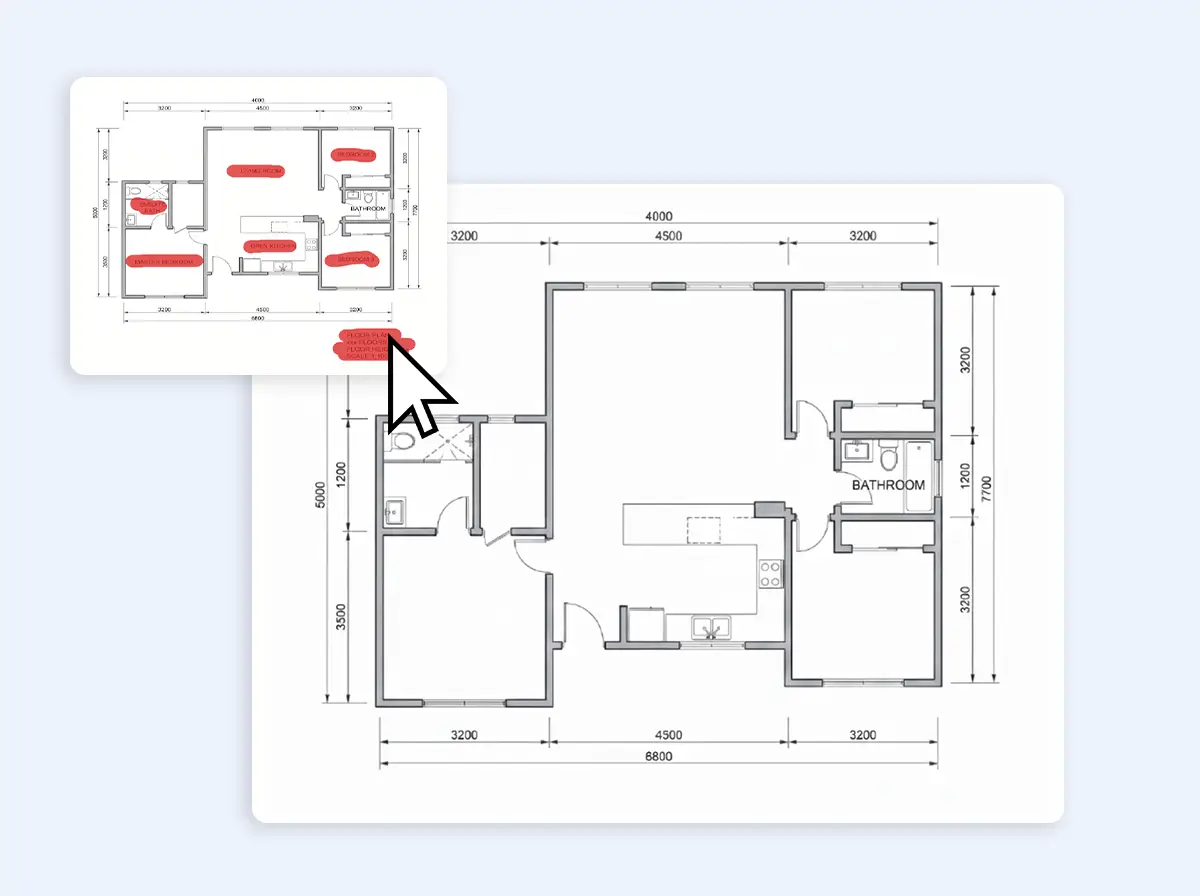
Upload a hand sketch, a photo of a paper plan, or an existing layout, then describe the change you want. The floor plan maker redraws it as a tidy plan image or restyles it, which helps before you share a rough idea with a contractor or client.
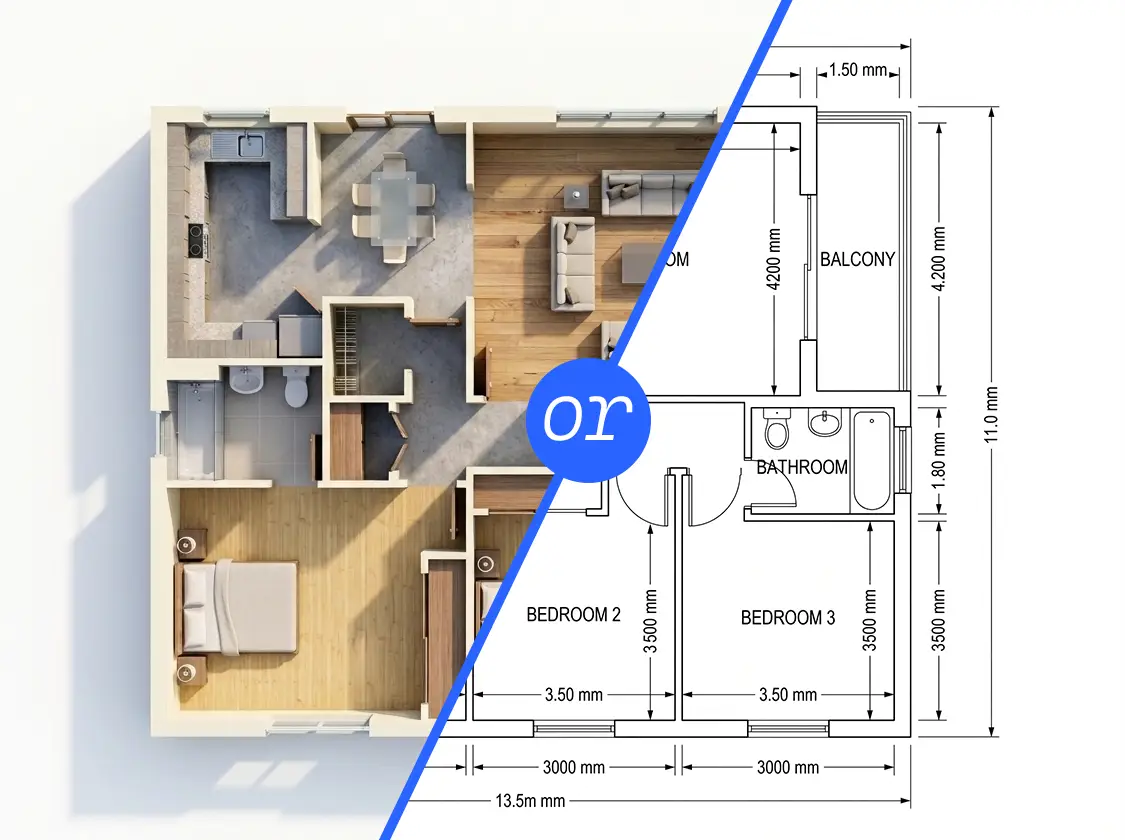
Show the same layout as a Technical, Blueprint, Colored 2D, 3D Isometric, Realistic or Collage image. Pick GPT Image 2.5 Flare, Nano Banana Pro, Z-Image or another supported model, then set the aspect ratio and a higher resolution where the model allows it. The credit cost appears on the Generate button before you run anything.
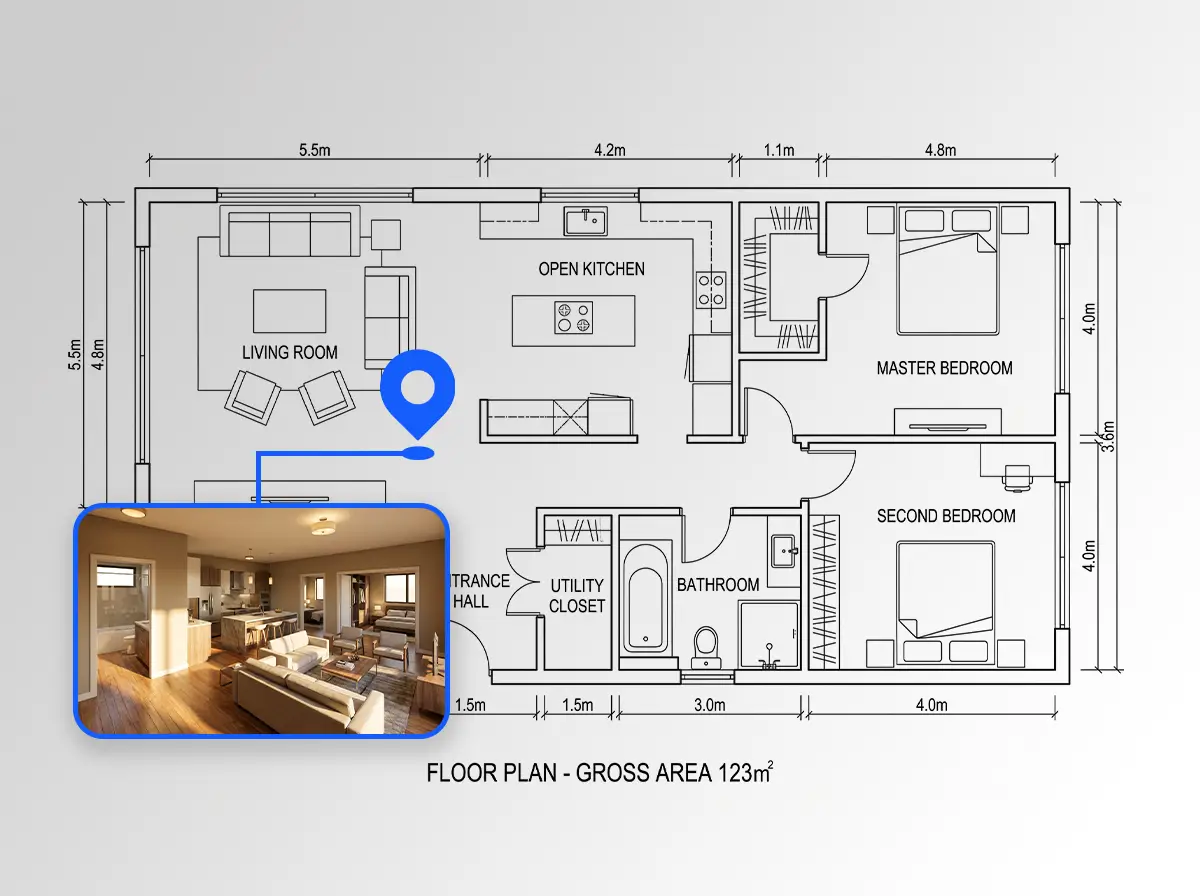
Upload a 2D plan and describe the view you want to get a 3D isometric or realistic image of the same layout. It helps clients see how rooms, furniture and circulation might read in three dimensions. The result is a still image, not a 3D model: there is no walkthrough or mesh export, so treat it as a presentation view.
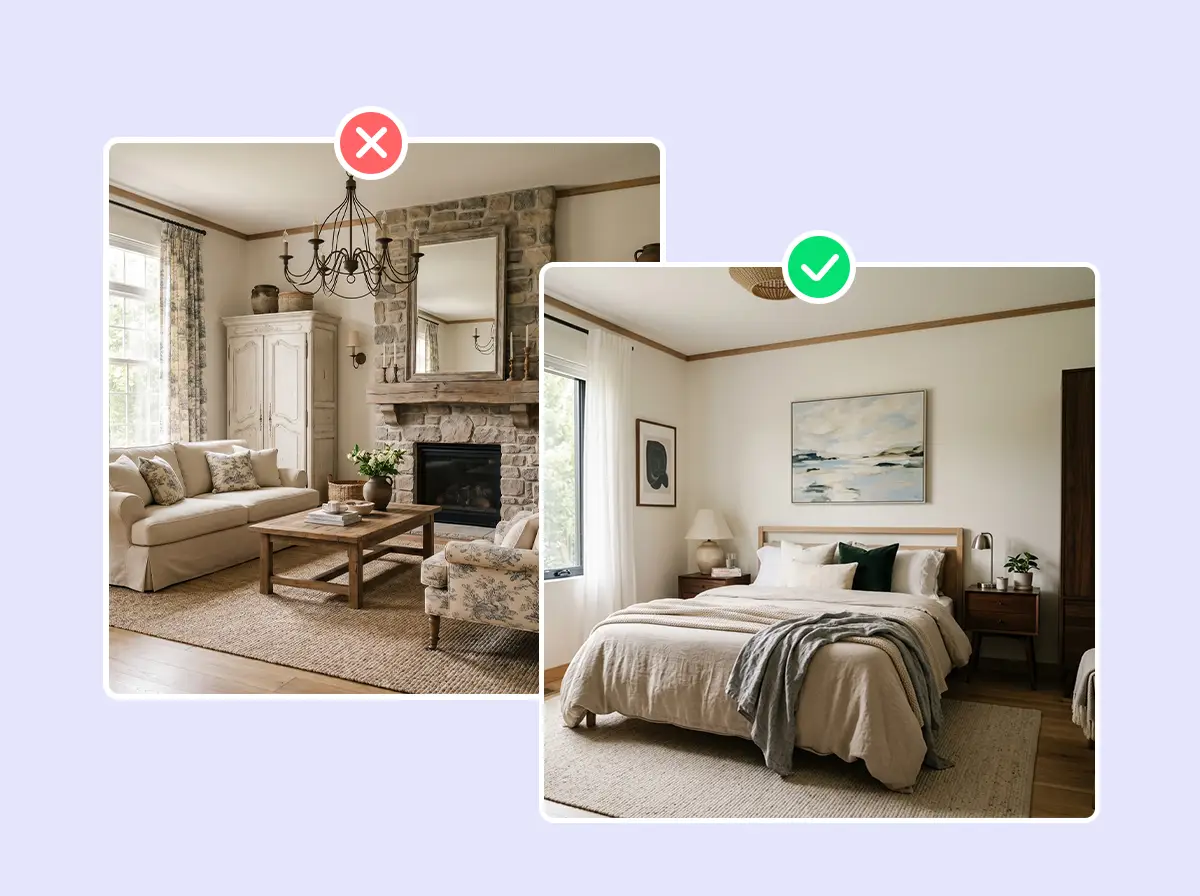
The same generator produces interior design concepts, home exterior and garden ideas, and virtual staging from a photo of an empty room. Use it to compare finishes, try a furniture scheme, or show a bare room furnished. Open any result full size, and when you are signed in, find it again later in your History.
Who It's For
Homeowners, real estate agents, interior designers and builders use EZ Floor Planner as an online floor plan maker for early-stage visuals. Describe a space, or upload one image and say what should change, and you get a layout picture to react to before anyone commits time or money.

Use the floor plan maker to try renovation ideas and furniture arrangements as quick visuals, and compare options for a room before paying for any changes.

Turn a client brief into concept boards and several style options for the same room, then use the images to guide the design conversation.

Create listing visuals and virtually stage empty rooms from a single photo, so buyers can picture how a space might be furnished.
Generate a rough layout from a short description to talk through scope with a client. It starts the discussion; it is not a construction drawing.
Compare
Both have their place. An AI floor plan maker is quickest for a first layout from a description; drawing software is the better choice when you need exact dimensions or an editable file.
| What matters | EZ Floor Planner | Drag-and-drop floor plan software |
|---|---|---|
| How you start | Describe the rooms in words, or upload one sketch or plan and describe the change | Draw walls, place doors and windows, and drag in furniture |
| Time to a first layout | Seconds to about a minute per image, depending on the model | Depends on the size of the plan and how fast you draw |
| What you get | An image you open full size in your browser, saved to History when you are signed in | An editable drawing, often exportable to formats such as PDF or DXF |
| Dimensions | Approximate — check every measurement on site | Drawn to scale from the measurements you enter |
| Changing the layout | Adjust the prompt and generate a new version | Move walls and objects directly |
| Looks | Six drawing styles, from technical line work to realistic and 3D isometric images | Set by the app's symbols and rendering options |
| Cost | Credits per image, shown before you generate | Usually a subscription or a one-time licence |
Pricing
Every plan unlocks every AI model and tool. Plans differ only in how many credits you get, and each generation shows its credit cost before you run it.
$4.95/month
Billed $59.40 yearly
750 credits / month
About 62 GPT Image 2.5 images a month at 1K
$9.95/month
Billed $119.40 yearly
1,600 credits / month
About 133 GPT Image 2.5 images a month at 1K
$24.95/month
Billed $299.40 yearly
4,200 credits / month
About 350 GPT Image 2.5 images a month at 1K
Straight answers about what the EZ Floor Planner floor plan maker generates, what it costs and what it cannot do yet.
Still have a question?
Browse the Help Center or open a support ticket from your account.
Visit the Help CenterOpen the floor plan maker in your browser, pick the Room, House or Custom tab and describe the space: the rooms you need, rough sizes and how they connect. Choose a style and model, check the credit cost on the Generate button, and run it. You get a PNG or JPG image.
Not entirely. New accounts get 10 welcome credits that work on the Z-Image draft model; every other image the floor plan maker generates spends credits from a monthly or yearly plan or a one-time pack. The cost shows on the Generate button first, and failed generations are refunded. The square footage calculator, unit converters, floor plan symbols guide and 30 reference templates are free to use.
Credits pay for each image the floor plan maker generates. The cost depends on the model and resolution and appears on the Generate button before you run anything. Buy credits through a monthly or yearly plan or a one-time pack. If a generation fails, its credits are refunded automatically.
No. EZ Floor Planner runs in any modern web browser, such as Chrome, Safari, Edge or Firefox, with nothing to download or install. Sign in and your generated images are kept in the History tab, so you can return to earlier results later.
Yes. The floor plan maker works in mobile browsers on iPhone, iPad and Android. You can type a description, upload a sketch photo from your camera roll and view the result on the same device. A larger screen just makes small labels easier to inspect.
Yes. The sketch to floor plan tool accepts one PNG or JPG up to 10MB, such as a phone photo of a drawing on paper. Describe the result you want, for example a clean 2D plan with labelled rooms, and the AI redraws it. Clear, roughly proportional sketches work best.
No. The floor plan maker has no drawing canvas, rulers or grid snapping. Room sizes in your description guide the AI, but any measurements shown in a generated image are approximate. Verify every dimension on site, and use the free square footage calculator for area figures.
No. A generated plan is a planning aid for exploring layouts and explaining ideas. It is not permit-ready and has not been checked against building codes. For permit drawings, structural changes or electrical and plumbing work, consult a licensed architect, engineer or contractor.
Technical gives thin black line work with dimensions and room labels. Blueprint puts white lines on deep blue, Colored 2D shades each room its own tone, and 3D Isometric shows a furnished cutaway. Realistic renders true materials; Collage builds a mood board. Styles apply when Enhance Prompt is on.
Z-Image is the fastest and cheapest model in the floor plan maker, about a second per image, so it suits quick drafts. GPT Image 2.5 Flare and Sunburst, GPT Image 2, Nano Banana 2 and Nano Banana Pro cost more credits and suit layouts needing more detail.
Yes. Every result has Download PNG and Download PDF buttons (the PDF puts the image on one A4 page), and earlier results stay in your History. DXF and other vector exports are planned but not live yet, and no 3D model files are produced.
Not by dragging walls: there is no drawing canvas, mask or area selection. Upload the image to the floor plan editor and describe the change, such as “add a second bathroom”. The AI returns a new image, so check it closely and repeat until the layout looks right.
Yes, as an image. Upload a 2D plan to the floor plan to 3D tool and it generates a 3D-style rendering of that layout, such as an isometric cutaway with furniture. You get a picture, not a 3D model file you can rotate, and video walkthroughs are not live yet.
Yes. Use the House tab for whole homes, the Room tab for a single space and Custom for anything else. Dedicated tools cover apartment, kitchen, bathroom, bedroom, living room, office, restaurant, ADU and garage plans, each starting from prompt wording written for that layout type.
Yes. The floor plan visualizer turns an uploaded plan into furnished room views, the interior design tool explores room styles, and virtual staging furnishes a photo of an empty room. Exterior, garden and landscape tools generate outdoor design ideas. Every result is an image.
Yes, as a planning aid. Upload your plan to the electrical, lighting or plumbing tool, describe what you need, and the AI draws outlet, light or fixture symbols onto the image. It is not code-compliant: a licensed electrician or plumber must design the real installation.
Uploads are used to run your generation, and results appear in your own History tab when signed in. We do not sell personal information, and the privacy policy explains how data is shared with service providers that help operate the service. Leave personal details such as names or addresses off uploaded plans.
The interface is available in English and Chinese; switch with the language selector. You can describe a layout to the floor plan maker in either language, though AI models tend to render text labels most reliably in English. Name rooms in the language you want printed.
At a glance
What it makes, what it costs and what it does not do, in one place.
Write a short brief — room count, rough sizes, style — and the floor plan maker returns a layout image you can open full size and revisit in History. Credits come with a monthly or yearly plan or a one-time pack, and each generation shows its cost before it runs. Every result is a planning aid to talk through with your builder or architect, not a permit drawing.