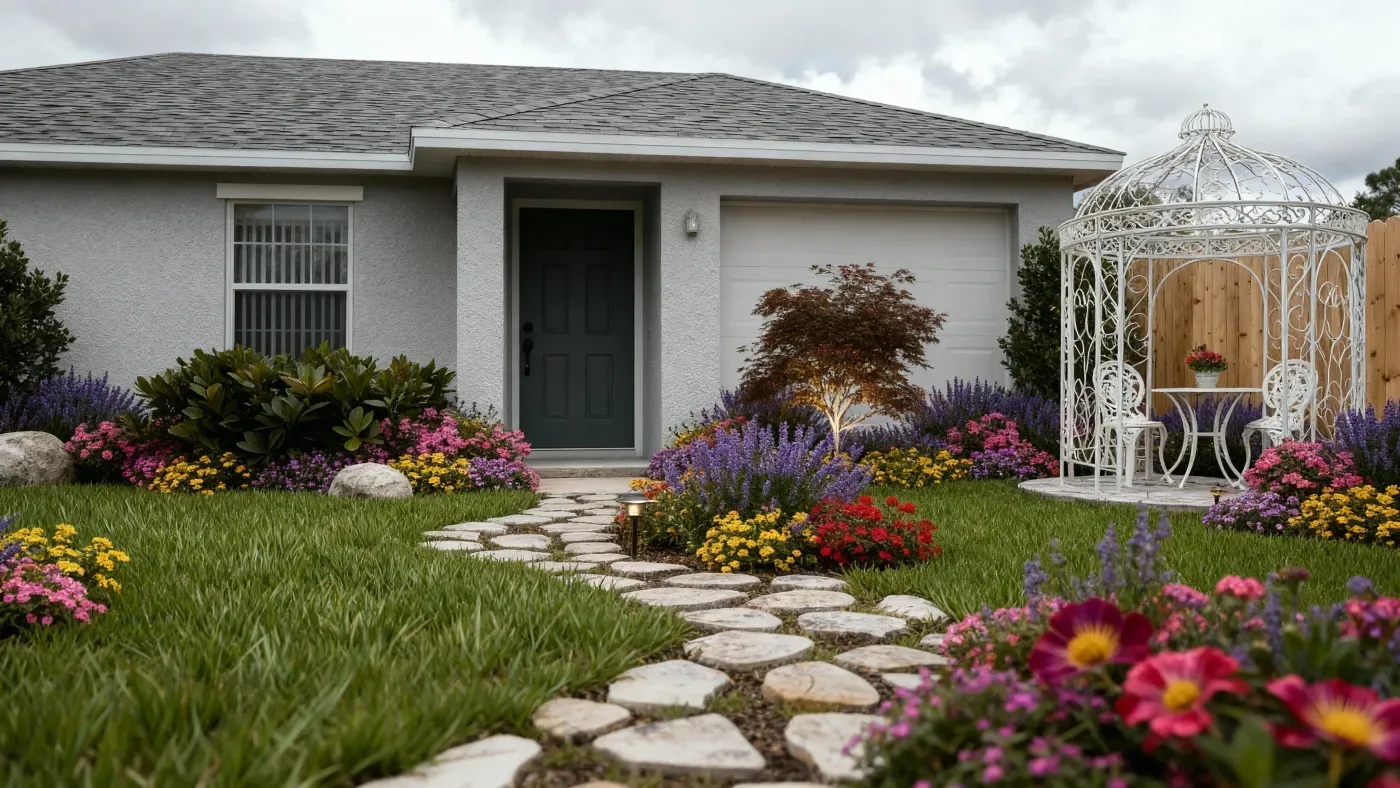
Whole outdoor spaces
Paths, paving, lawn, planting beds, retaining walls, seating, and water can all appear in one visualization instead of being imagined separately.
Front yard, backyard, terrace, courtyard, or a whole site — describe the outdoor space and get a photorealistic landscape visualization to work from.
Default GPT Image 2.5 tuning — fast, with natural lighting and rich texture.
12 credits per image · 1K · 4:3
Design Your Landscape
Describe the outdoor space and generate a visualization.
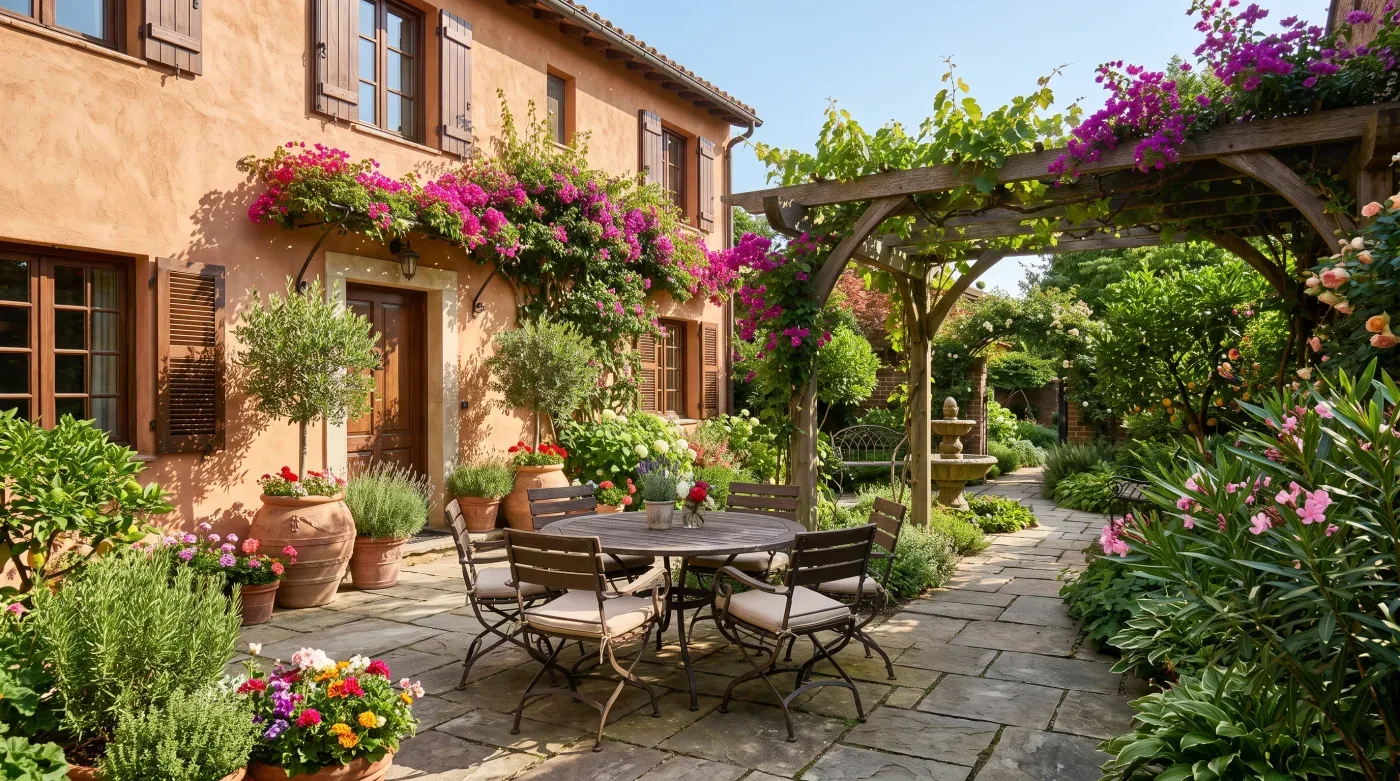
Example prompt
Sloping backyard with two terraces, stone retaining walls, a gravel path, ornamental grasses and a shaded seating area.
Useful at the stage where the design is still an argument, not a drawing.
Paths, paving, lawn, planting beds, retaining walls, seating, and water can all appear in one visualization instead of being imagined separately.
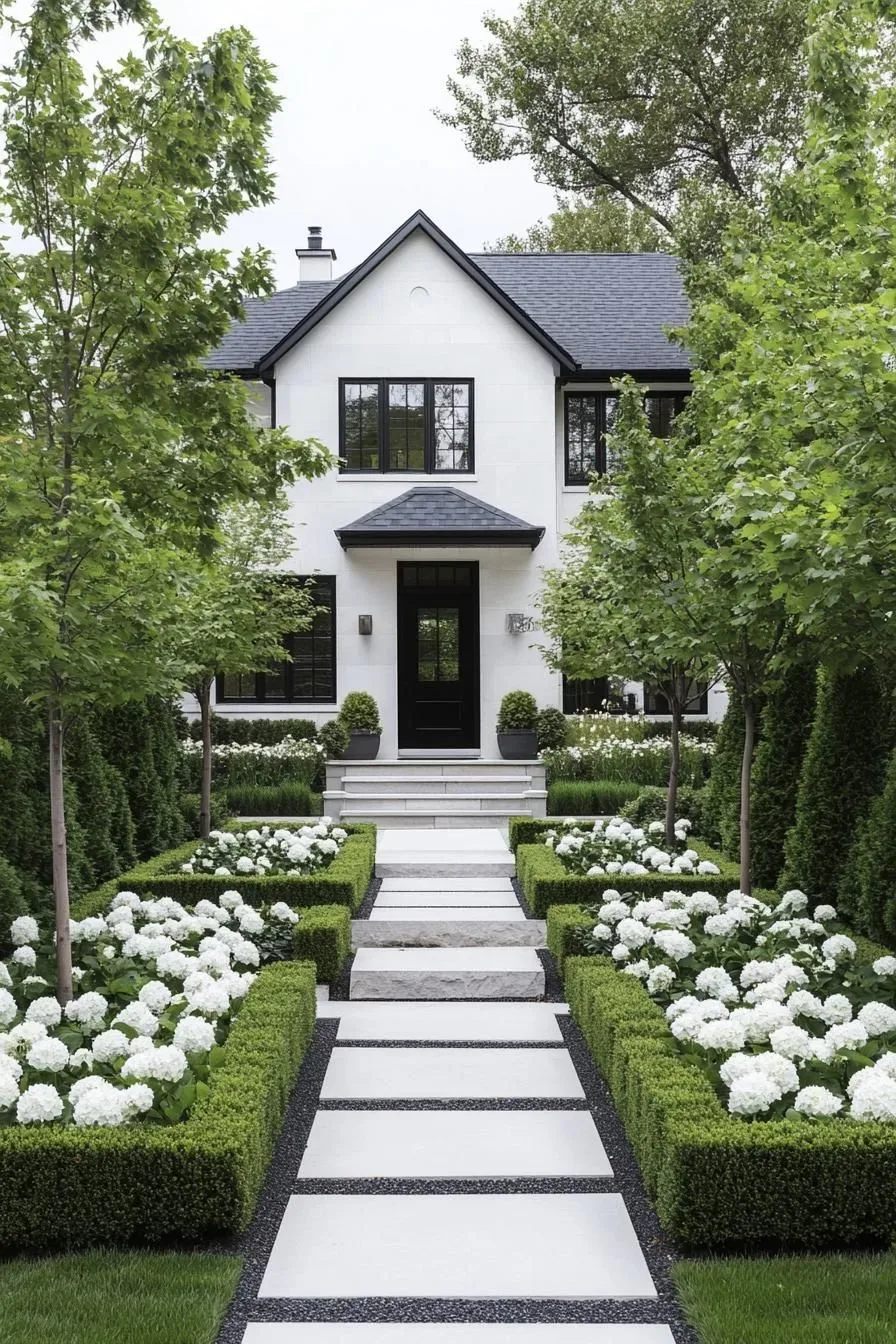
Describe slopes, terraces, steps, and retaining walls and the render shows how the levels resolve against each other.
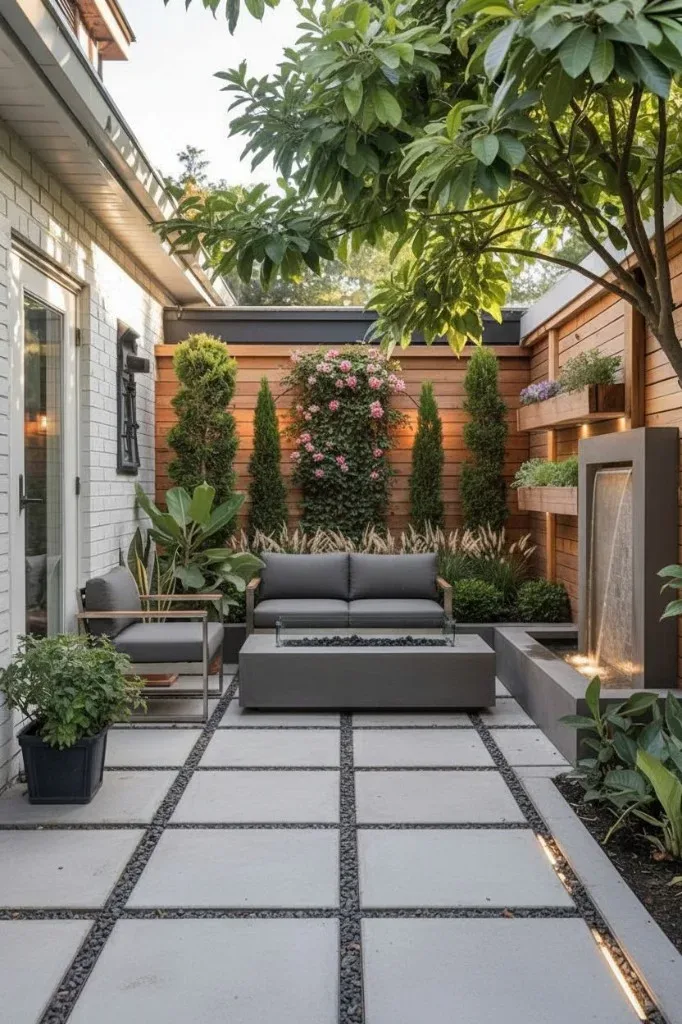
Run the same site description through modern, minimalist, naturalistic, Mediterranean, and Japanese treatments to see which reads best.
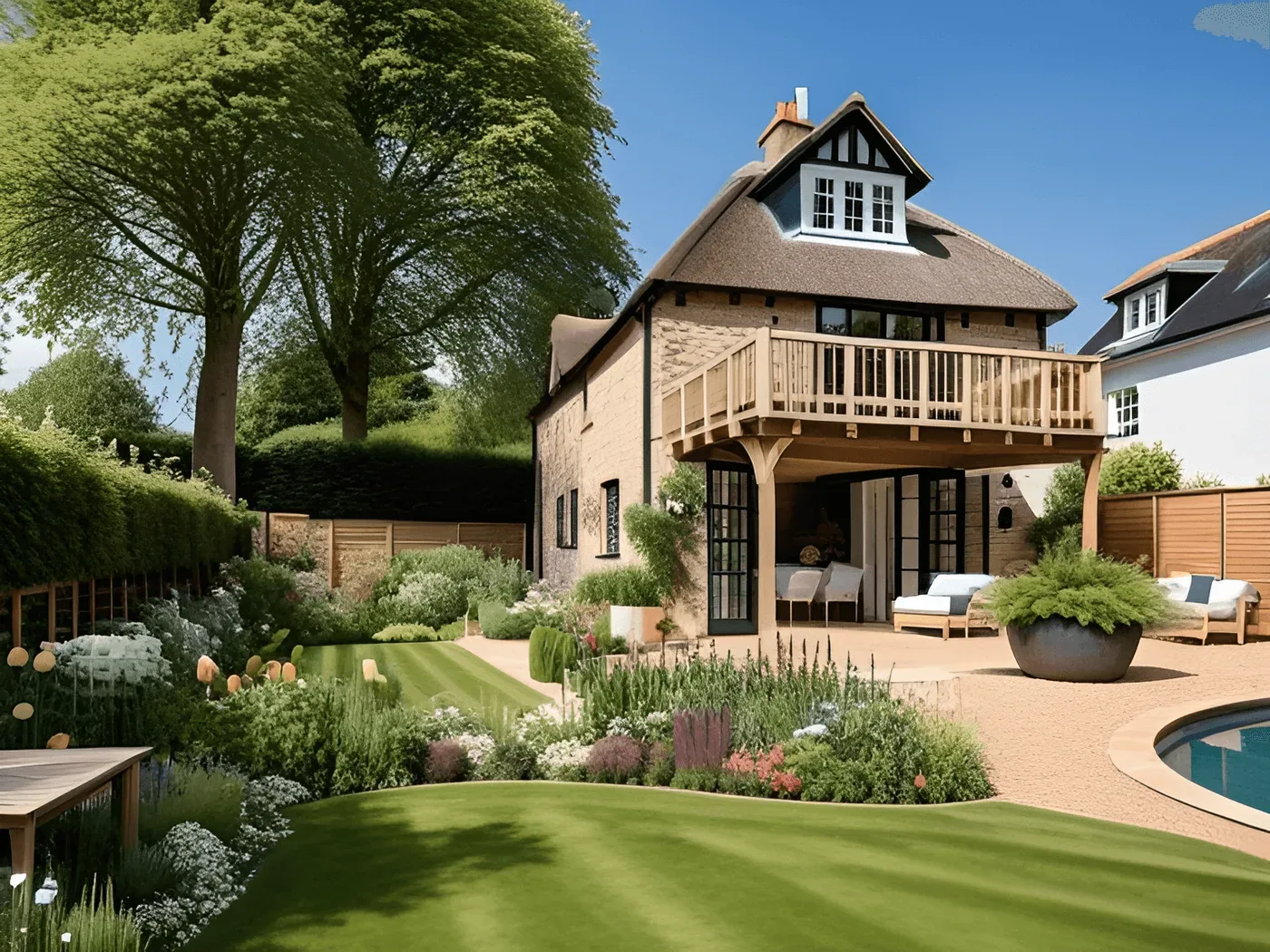
Works for a small terrace, a family backyard, or the grounds around a larger building — say the scale in the prompt.
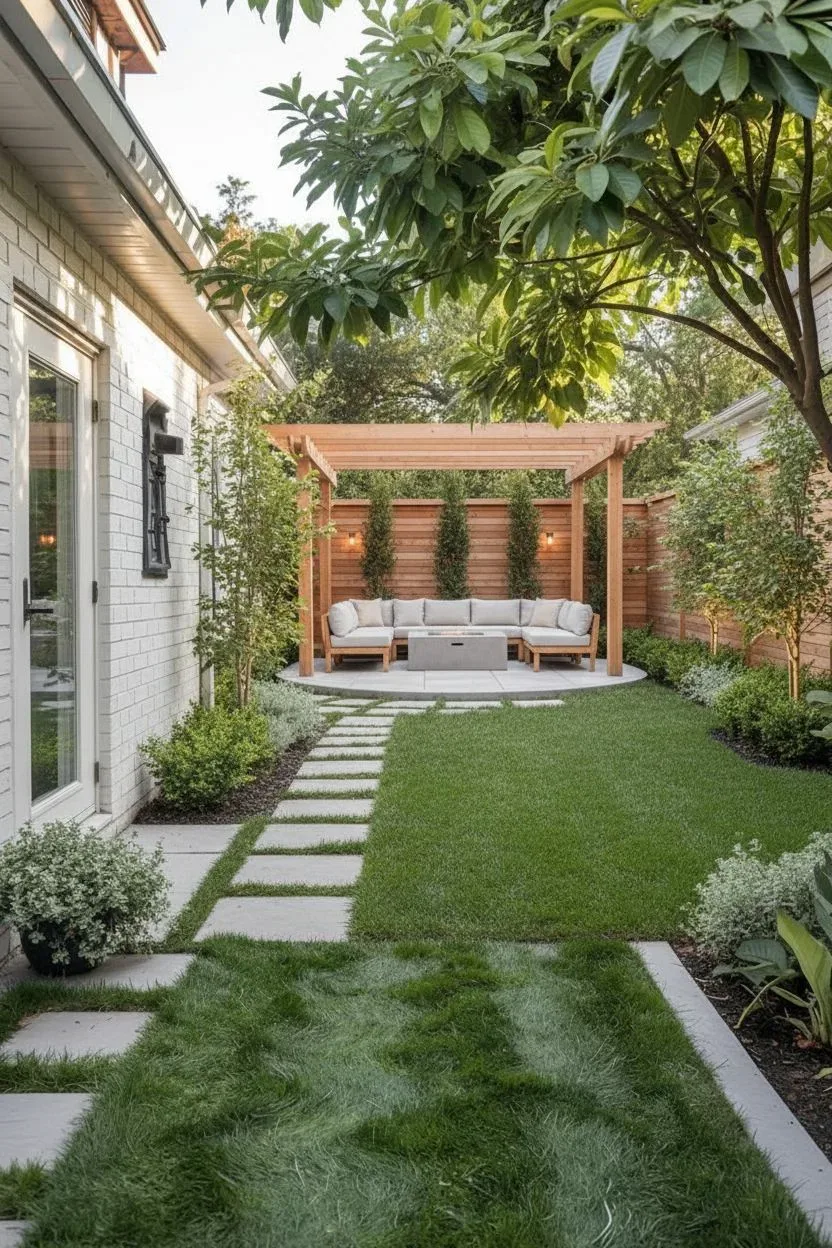
Take the direction into a labelled layout in the floor plan creator, or mark up the fittings with the lighting plan tool.
Give the type of space, its rough dimensions, the levels, and what has to stay — trees, boundaries, existing paving.
Your brief is combined with a photorealistic landscape render style and returned as an image.
Change materials, planting, or layout in the prompt, regenerate, then save the full-size image to share with a designer or contractor.
Still have a question?
Browse the Help Center or open a support ticket from your account.
Visit the Help CenterDescribe the site, the levels, and the materials, and generate a photorealistic landscape visualization.