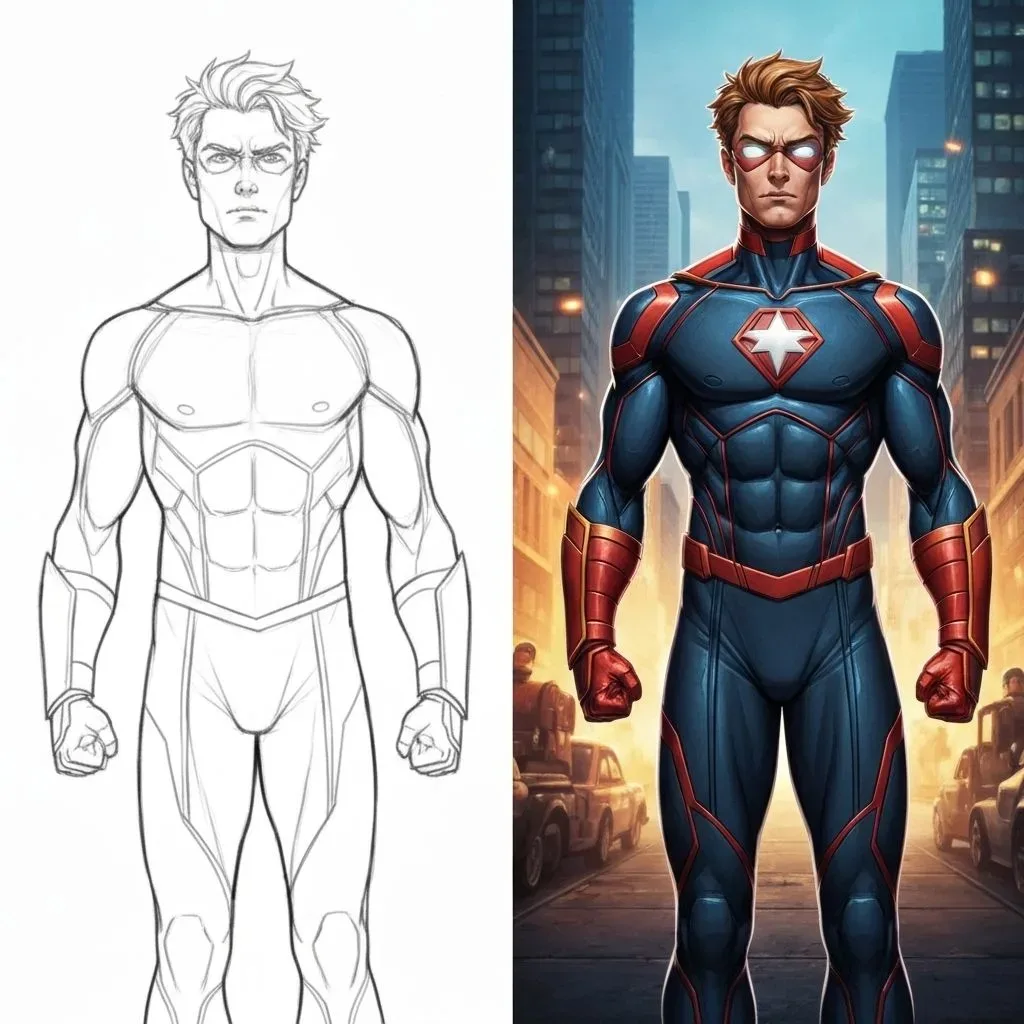
Your lines are the brief
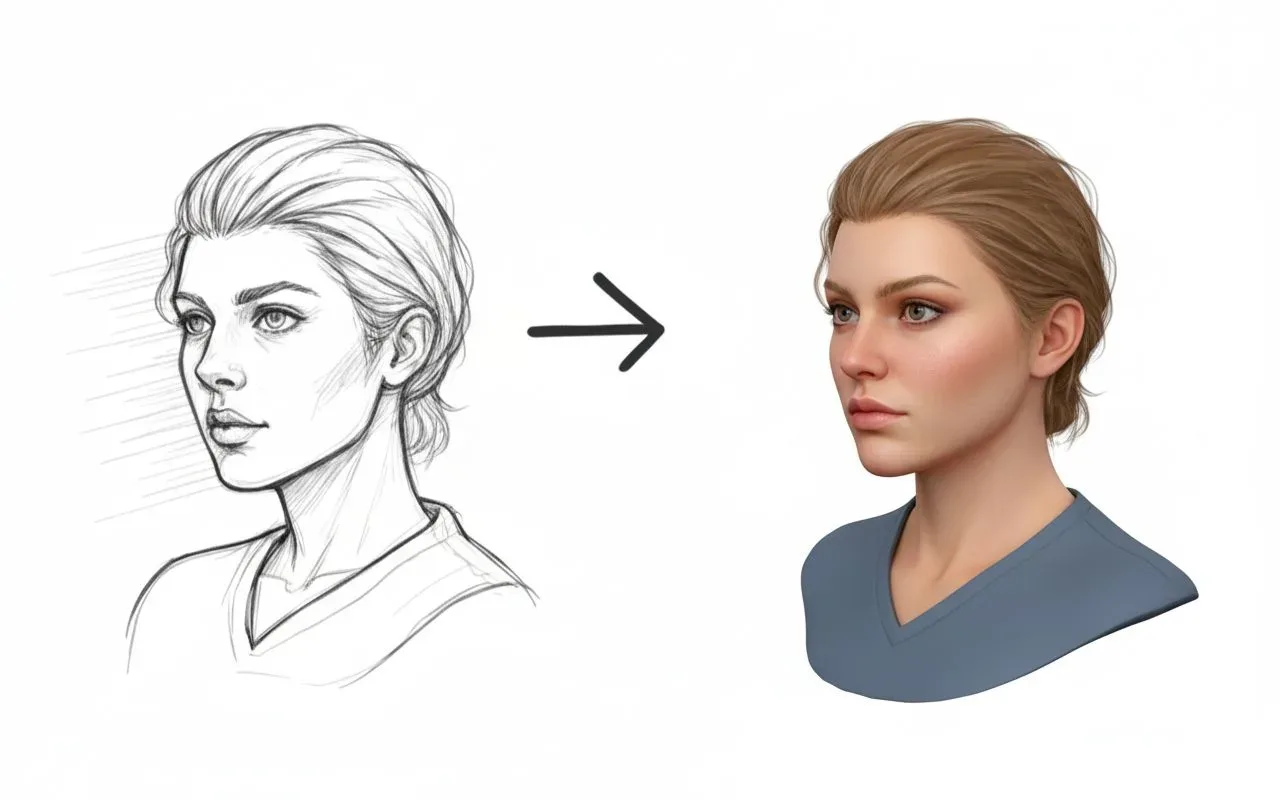
The rendering follows the shapes, proportions, and spatial relationships in the sketch, so the result is recognisably the thing you drew rather than a loosely related image.
Take the drawing that is already on your pad and turn it into something you can show a client — the lines and proportions you drew, rendered with real materials and light.
Detail-preserving edits to your uploaded image.
12 credits per image · 1K · 4:3
Finish the Drawing You Already Made
Upload a sketch and render it with real materials and light.
Example prompt
Timber-framed rear extension, glazed south wall, late afternoon light raking across the brickwork.
Concept sketches, elevations, and room studies rendered without redrawing.
The rendering follows the shapes, proportions, and spatial relationships in the sketch, so the result is recognisably the thing you drew rather than a loosely related image.

Describe materials, palette, time of day, and mood in plain text and the render picks them up — the part of the idea that never survives a graphite line.

Push the output towards a photorealistic render for a client presentation, or keep it looser and more illustrative when the design is still moving.
Elevations, interior studies, furniture concepts, and landscape sketches all go through the same route, so one workflow covers most of what ends up on a concept board.
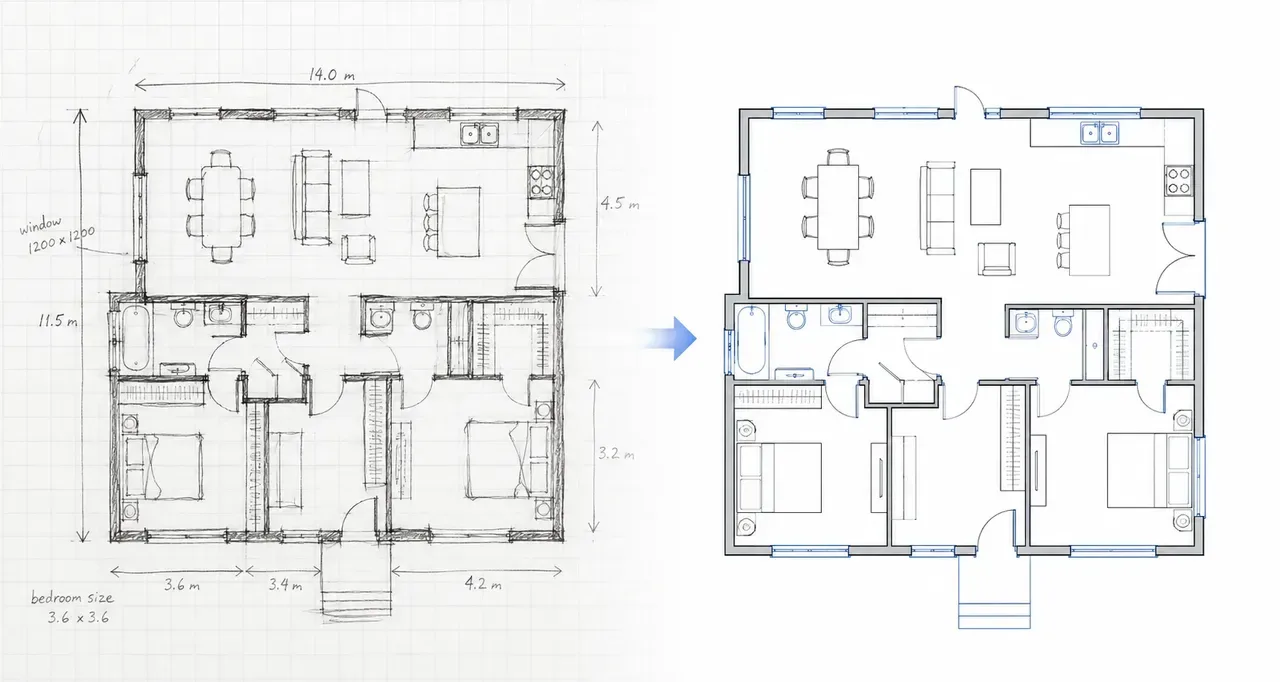
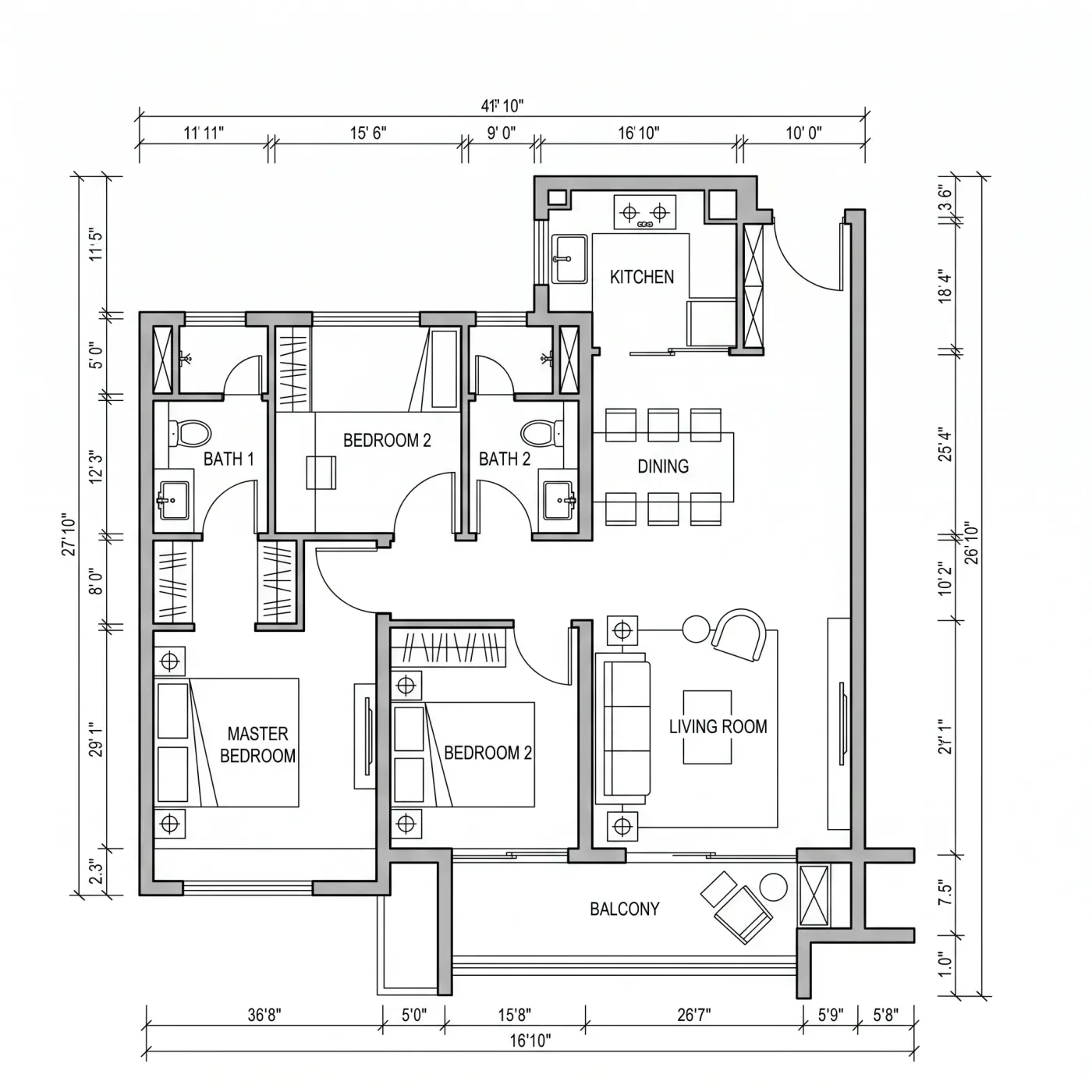
This produces a rendered picture. If what you actually need is a clean floor plan drawing, use sketch to floor plan instead — the two tools take the same input to very different places.
A photo or scan of the drawing, as JPG, PNG, or WEBP up to 10MB.
Say what the materials, lighting, and overall style should be. Keep it concrete rather than poetic.
Generate the image, adjust the prompt, and run it again until it matches the idea in your head.
Open the result at full size to keep it. If the drawing is a floor plan, sketch to floor plan redraws it as a clean labelled plan instead.
Still have a question?
Browse the Help Center or open a support ticket from your account.
Visit the Help CenterUpload the drawing, describe the finish, and see the idea rendered.