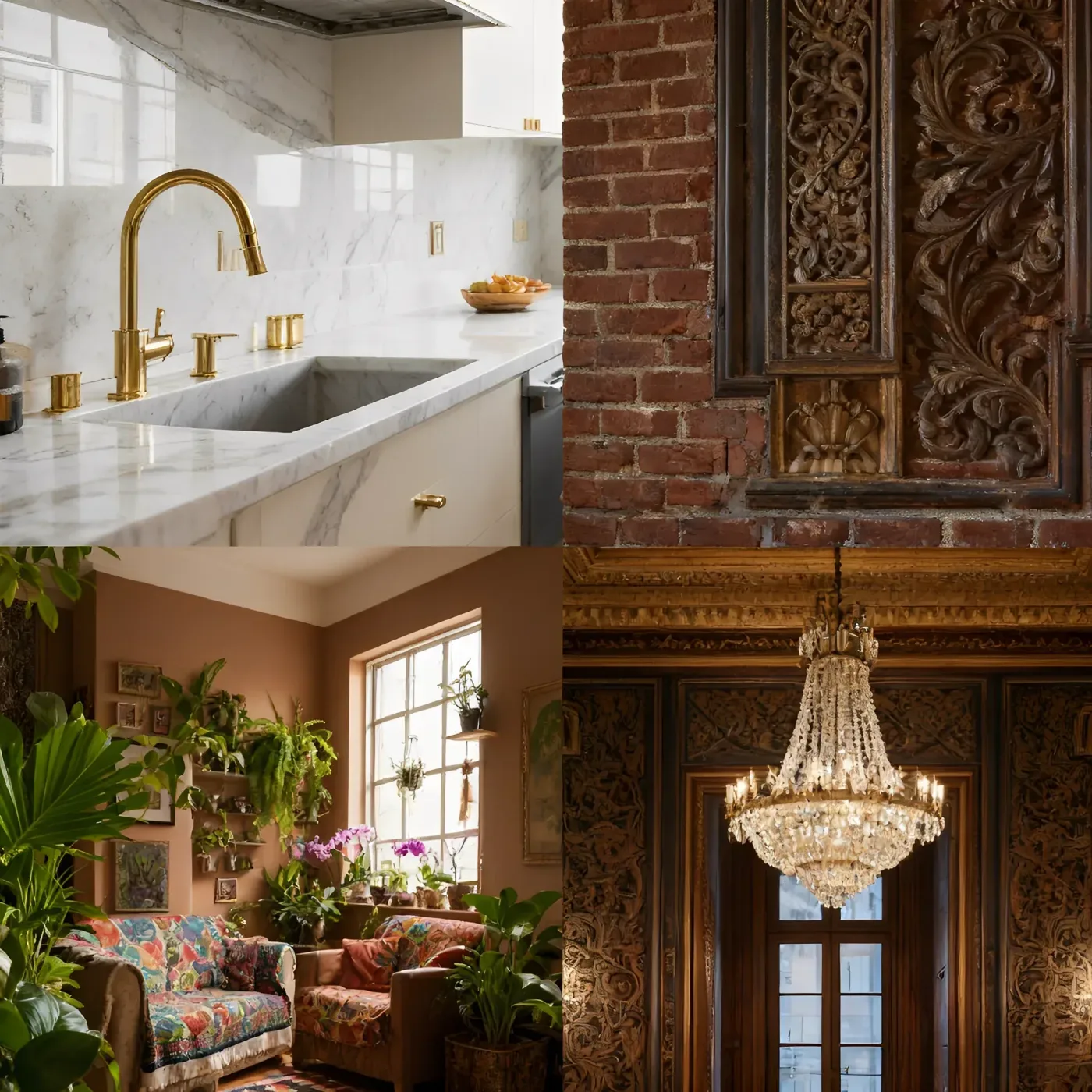
Any interior style you can name
Modern, Scandinavian, Japandi, industrial or something more specific: the words you use set the palette, materials and furniture direction.
Write the room, materials and furniture you have in mind — modern, Scandinavian, Japandi, industrial or your own mix — and get a photorealistic interior image to react to.
Default GPT Image 2.5 tuning — fast, with natural lighting and rich texture.
12 credits per image · 1K · 4:3
Visualize Your Interior
Describe the room and the style you want, then generate.
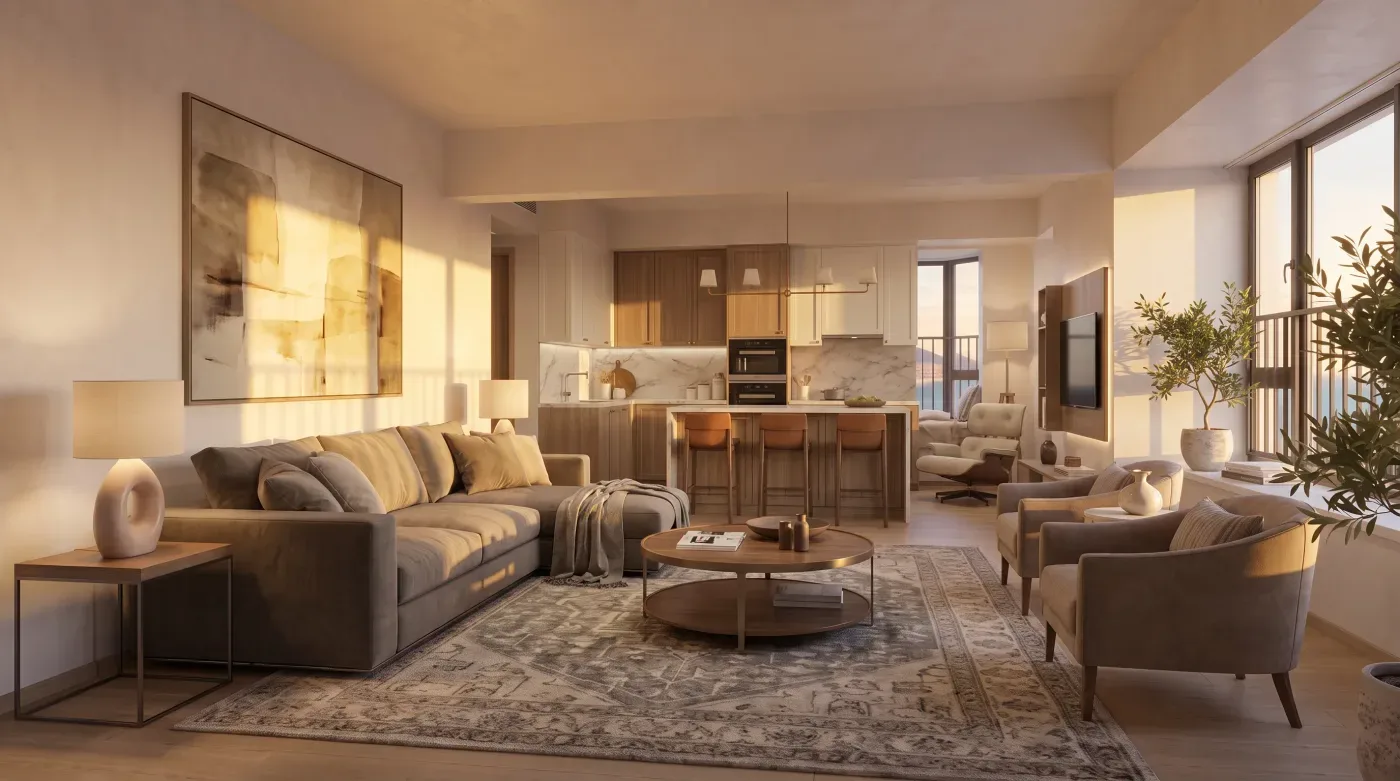
Example prompt
Scandinavian living room, light oak floors, a grey three-seat sofa, large windows, plenty of plants, warm afternoon light.
Modern, Scandinavian, Japandi, industrial or something more specific: the words you use set the palette, materials and furniture direction.
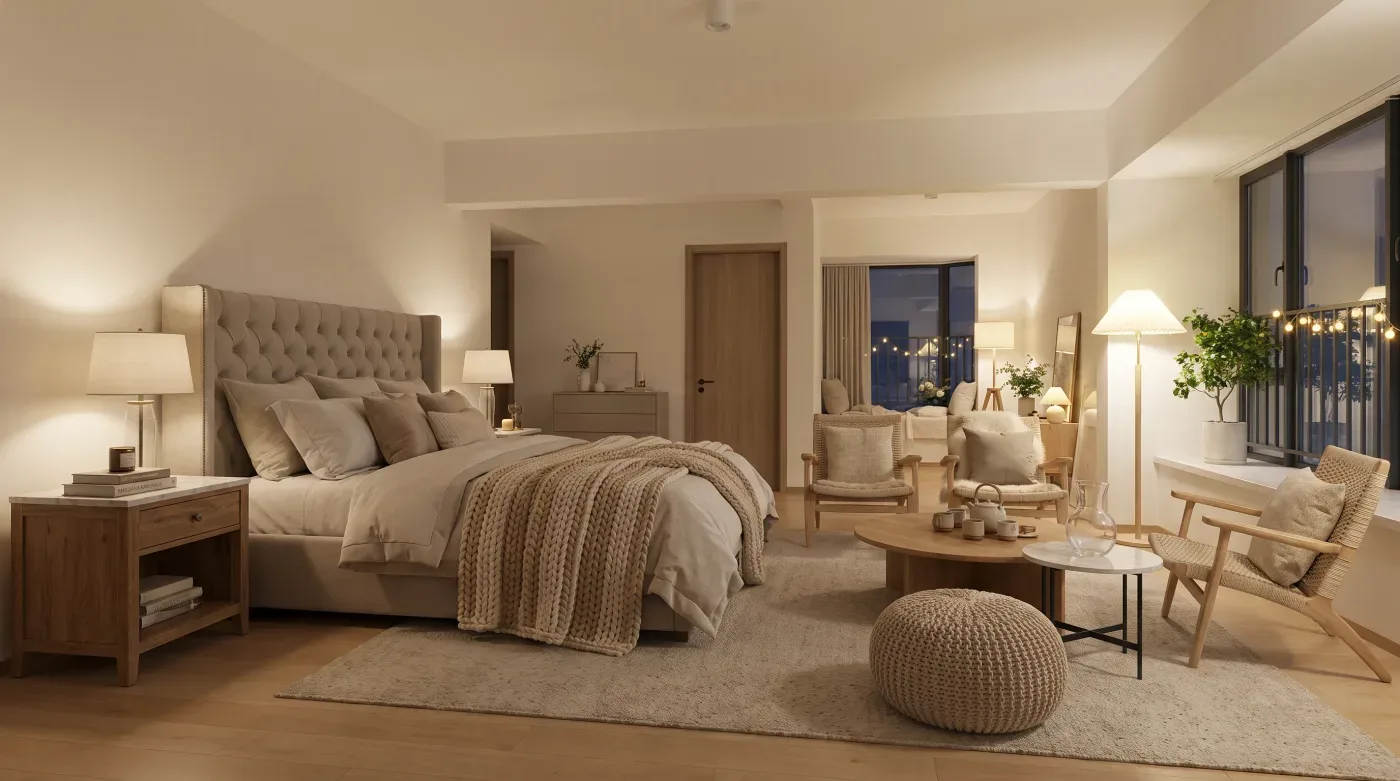
Room frames a single space as a wide interior photograph; Whole Home shows several connected open-plan spaces in one view.
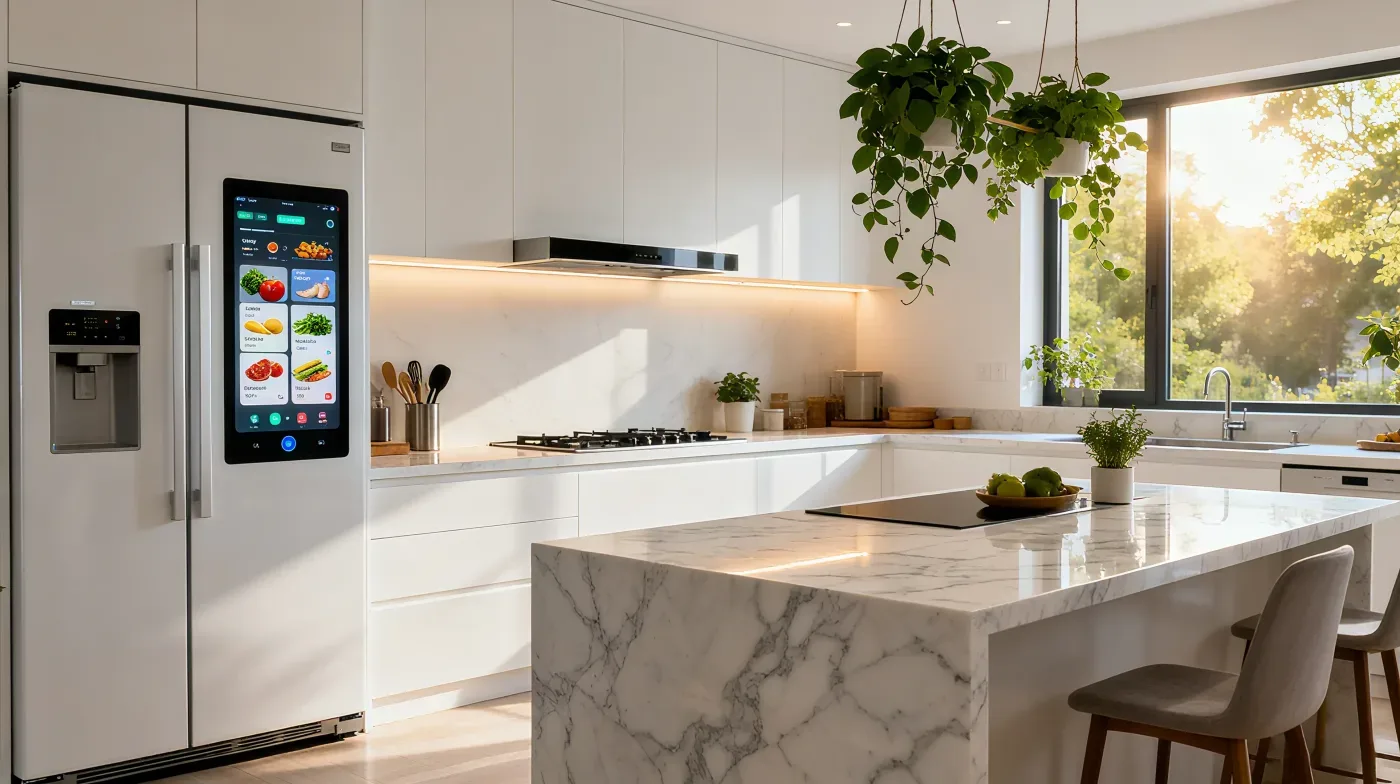
The Realistic style is preselected for natural light and believable materials. The image is a mood reference, not a to-scale design.
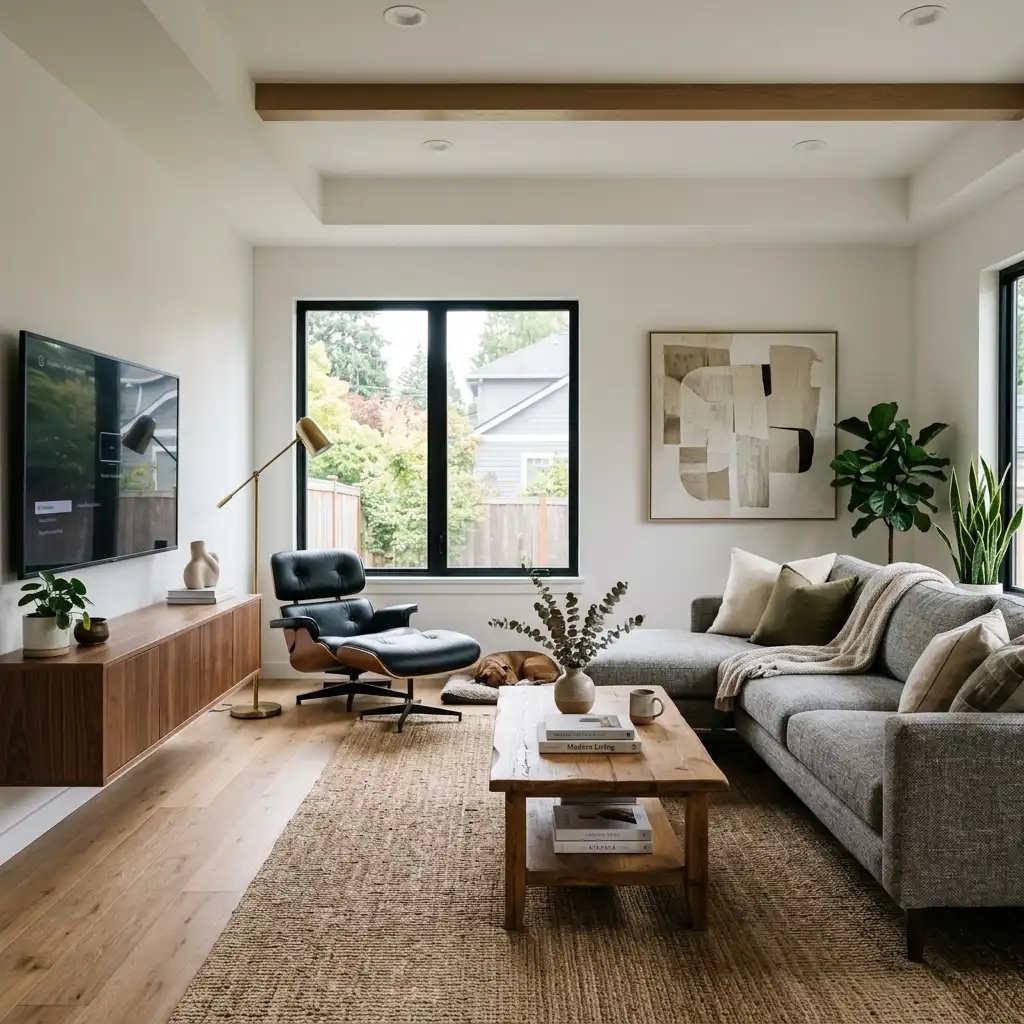
Pairs naturally with the apartment floor plan and kitchen floor plan generators for a full plan-to-render workflow.
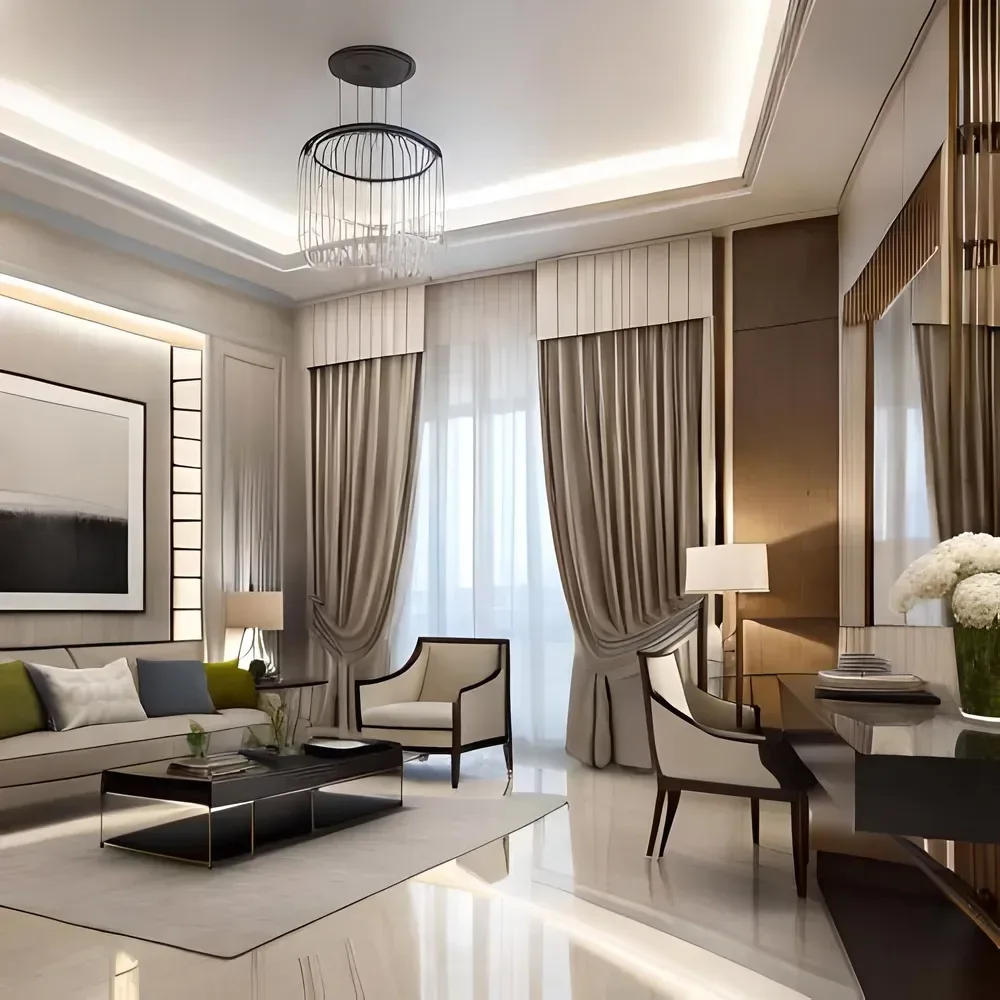
Everything runs in the browser — no rendering engine or design software to install.
Name the room, its shape, key furniture, flooring and light, or start from one of the example prompts.
Write modern, Scandinavian, Japandi, industrial or your own direction into the description.
Open the render full size and adjust the wording to try variations. For layout changes, plan the room first with the floor plan creator.
Still have a question?
Browse the Help Center or open a support ticket from your account.
Visit the Help CenterDescribe the room and the style you want, then generate a photorealistic render.