AI Garden Design: See the Garden Before You Plant

Describe the garden you want — planting, paving, seating, water, and lighting — and get a photorealistic visualization of the outdoor space in seconds.

  • Browser-based
  • No installation
  • Credit-based pricing
Enhance PromptOn: we prepend this tool’s prompt scaffold and the selected style wording to what you type. Off: we send your text exactly as written and nothing else.ON0/5000

Default GPT Image 2.5 tuning — fast, with natural lighting and rich texture.

12 credits per image · 1K · 4:3

Design Your Garden

Describe the garden you want and generate a visualization.

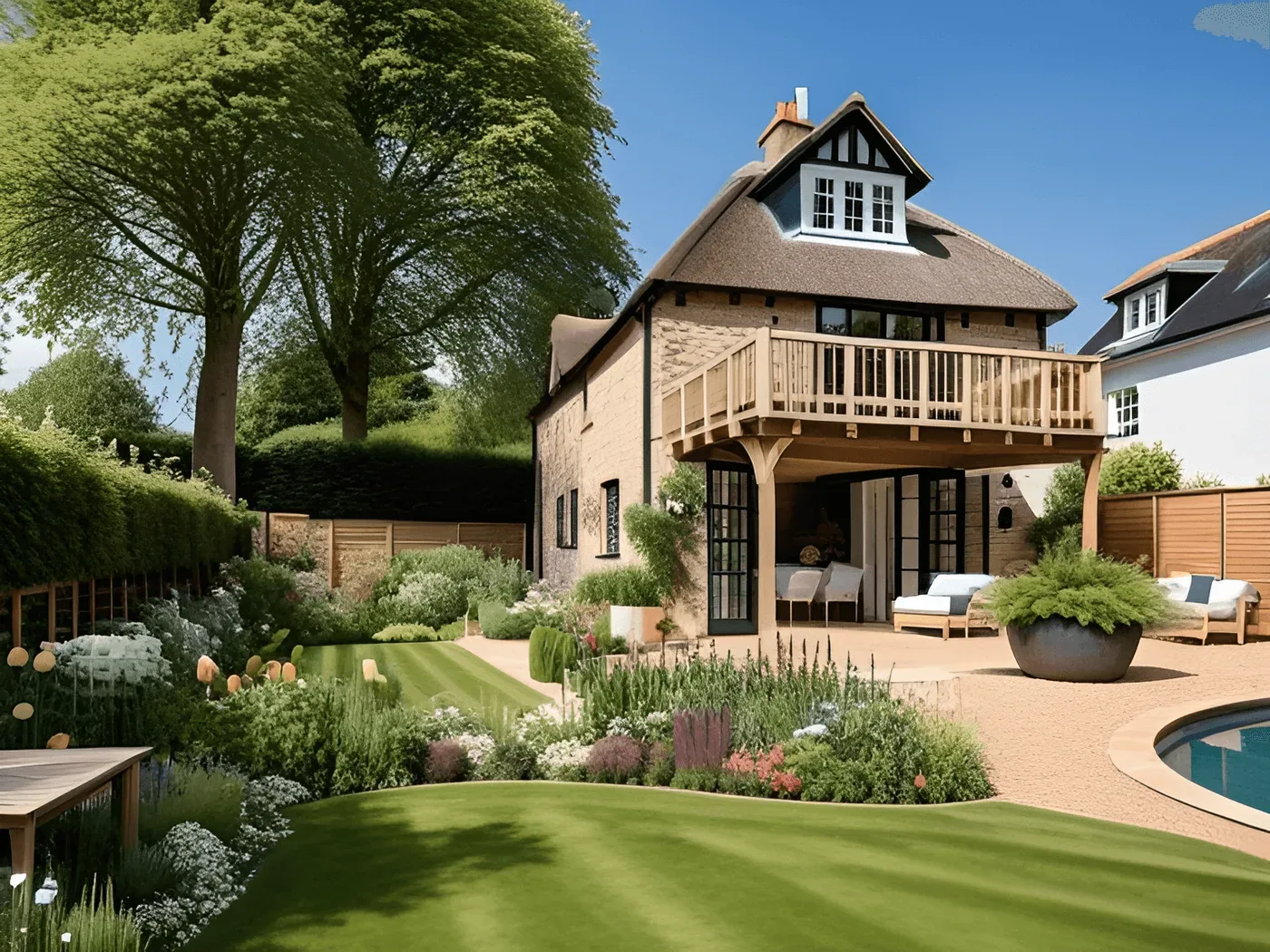
Photorealistic render of a planted garden

Example prompt

Small walled backyard, limestone paving, raised timber beds, grasses and lavender, a built-in bench and a fire bowl.

Try a garden idea before you dig

Cheaper to change a prompt than a patio.

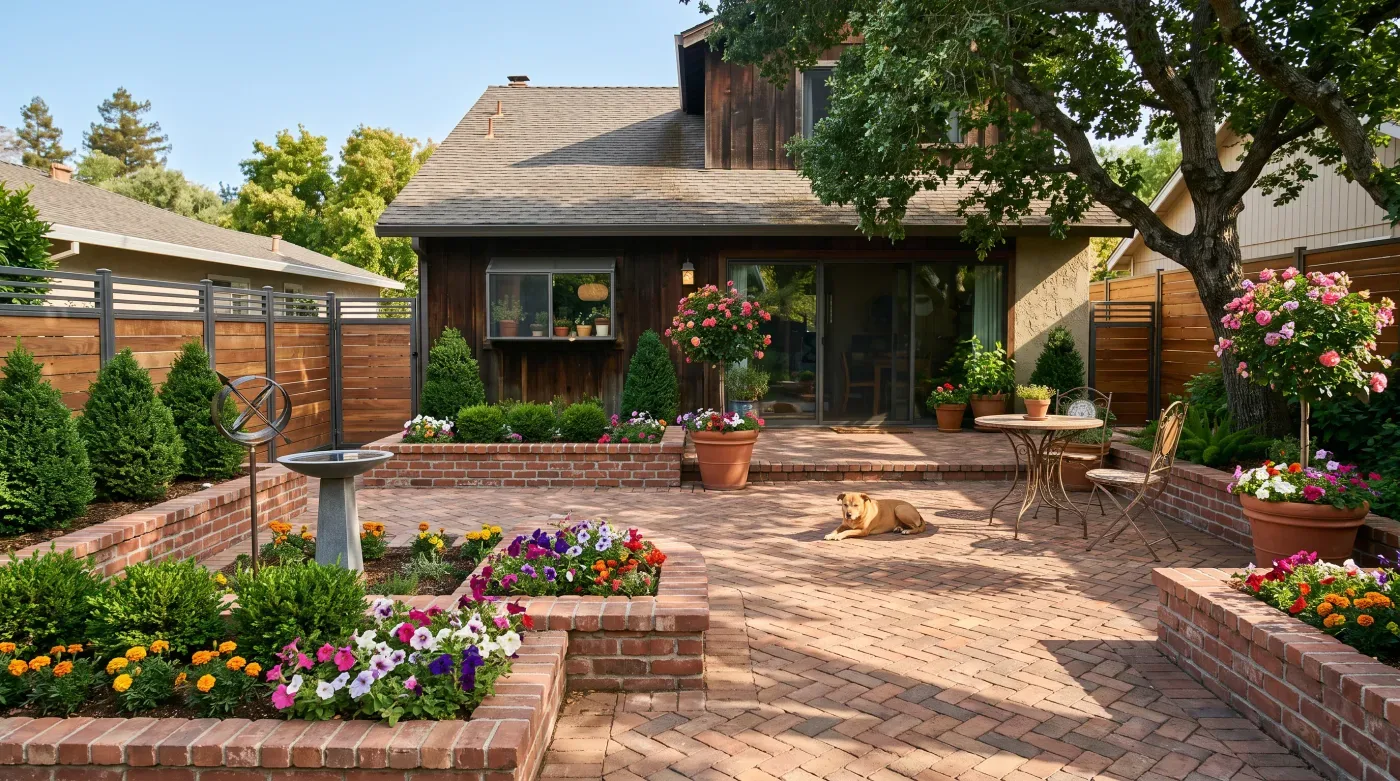
  • Photorealistic render of a planted garden

    Photorealistic planting

    The render style targets natural daylight, layered planting depth, and real surface textures, so beds and paving read the way they would on site.

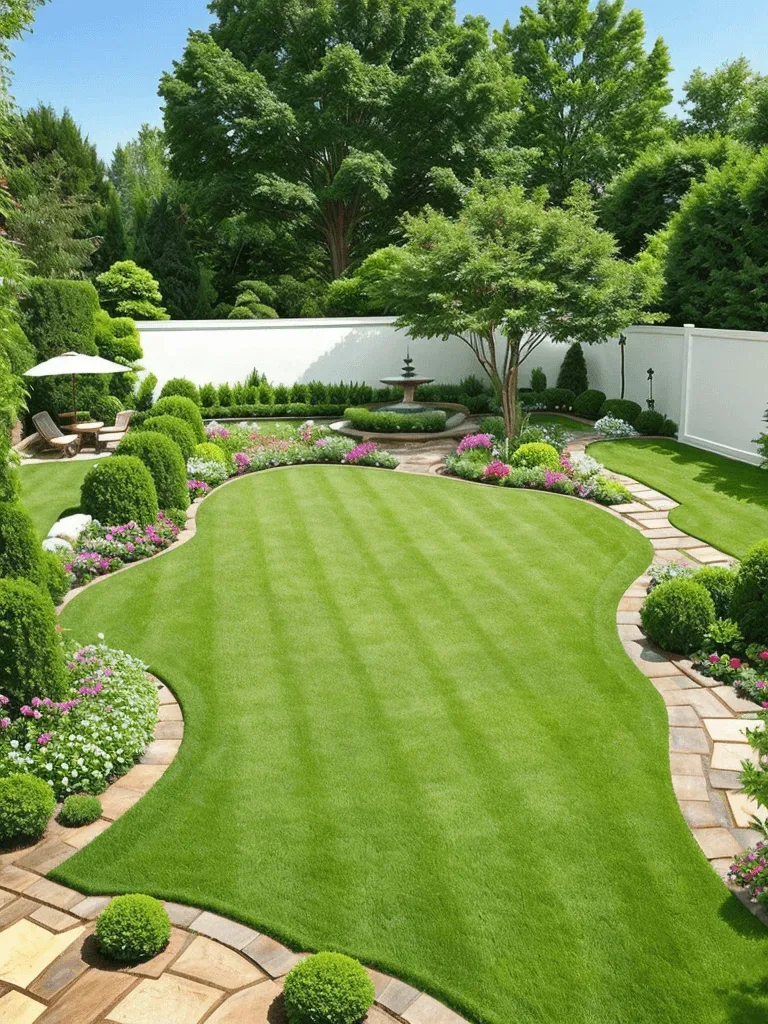
  • Walled garden with a striped lawn, curved flower beds, a fountain and a seating area

    Every part of the garden

    Describe borders, lawn, paving, decking, seating, water features, and outdoor lighting together and see how they sit next to each other.

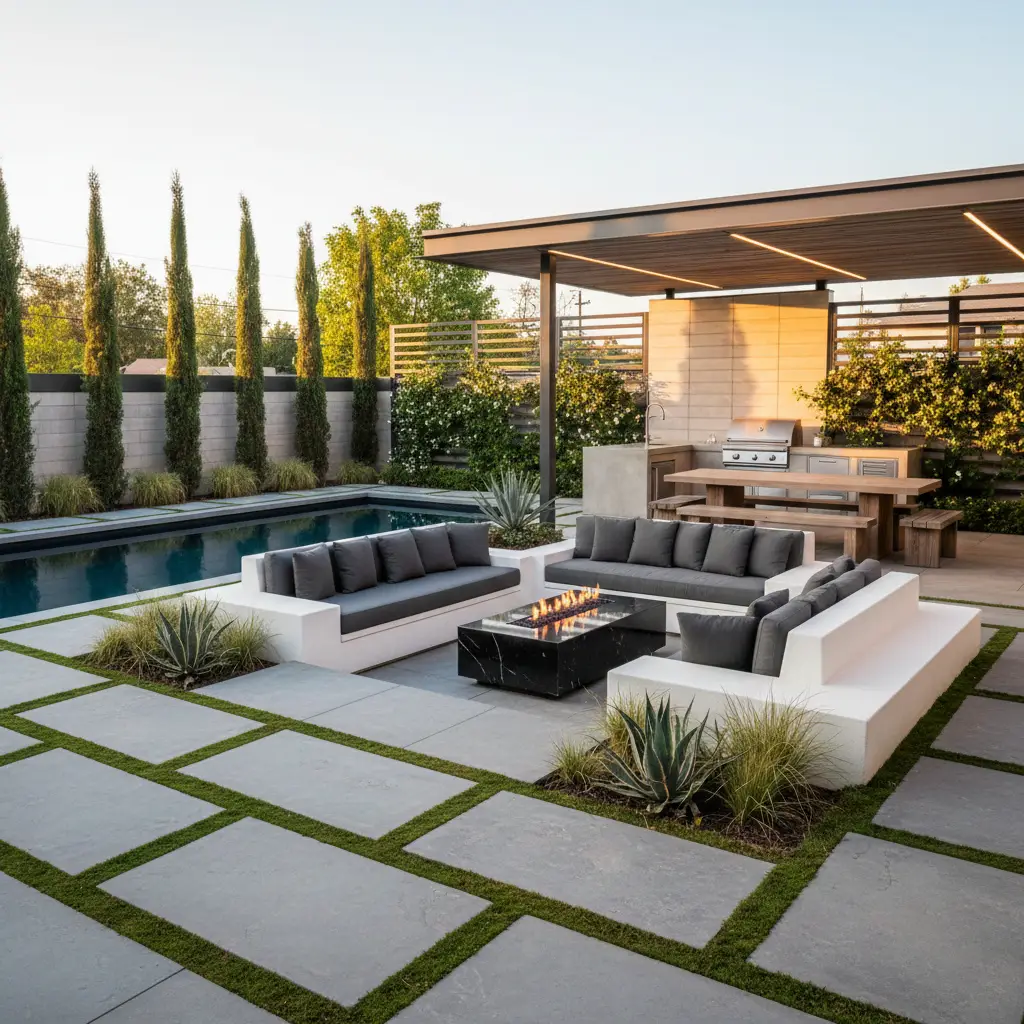
  • Garden rendered in a modern planting style

    Distinct garden styles

    Modern, cottage, Japanese, tropical, and Mediterranean each change the plant palette, hard-landscaping materials, and level of formality.

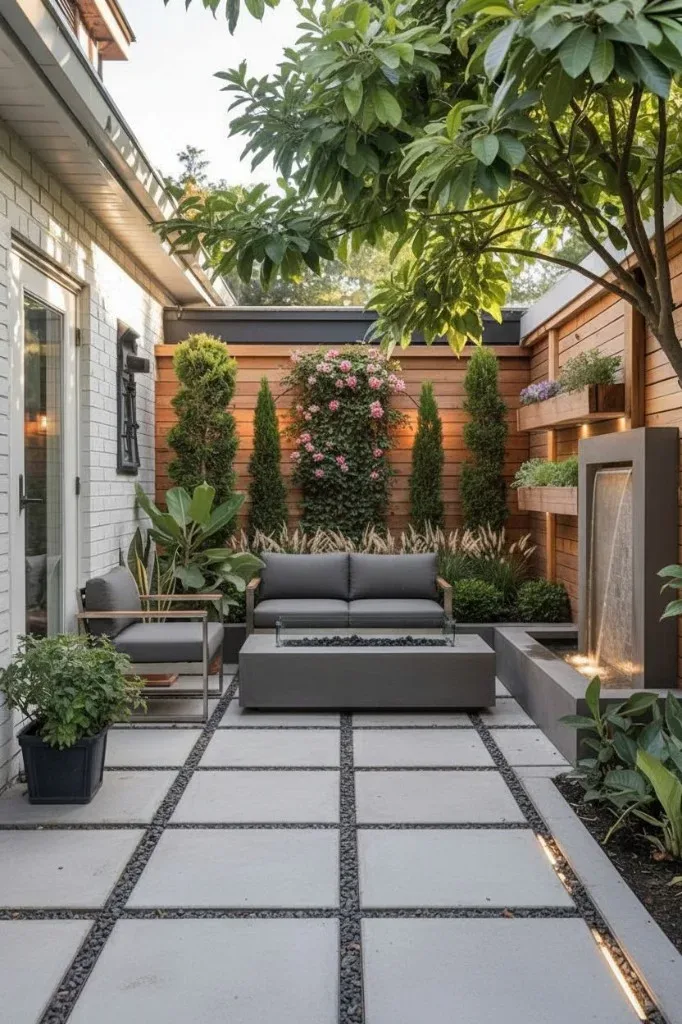
  • Small paved courtyard with a sofa, a fire table, planters and a water wall

    Small spaces included

    Courtyards, balconies, and roof terraces are as easy to describe as a full backyard — say the size and the tool works to it.

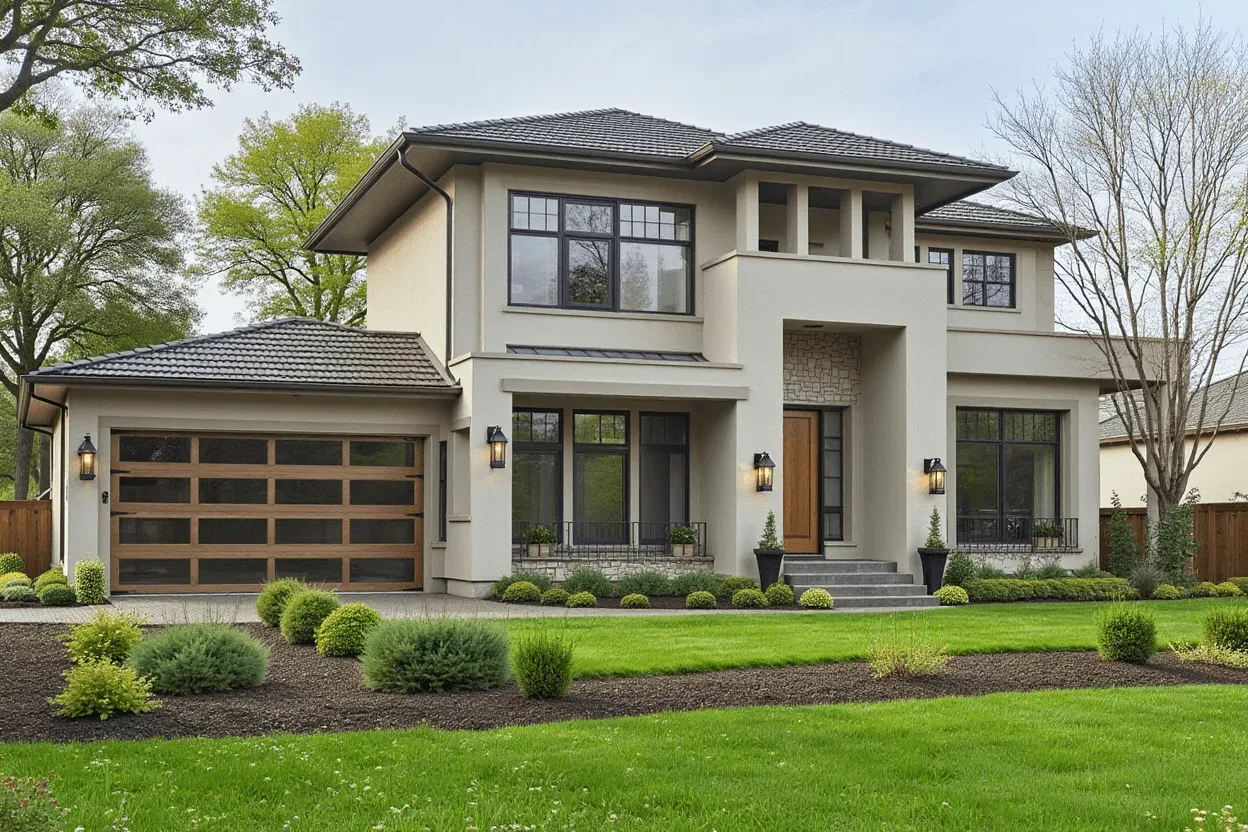
  • Two-storey stucco house with a front lawn and clipped shrub beds

    Connects to the house

    Generate the facade the garden fronts with AI home exterior design so both sides of the boundary match.

How AI garden design works

  1. Describe the space

    Say roughly how big it is, which way it faces, what is staying, and what you want added.

  2. Generate a visualization

    Your description is combined with a photorealistic outdoor render style and returned as an image.

  3. Refine and save

    Adjust planting, materials, or seating in the prompt, regenerate, then save the full-size image to take to a landscaper.

AI Garden Design FAQ

Still have a question?

Browse the Help Center or open a support ticket from your account.

Visit the Help Center

No. The tool generates from a written description, which is useful when the space is bare ground or has not been cleared yet.

Include the approximate size, the aspect, the hard landscaping you want, and a few named plants. Specific prompts give far more usable results than "a nice garden".

Not automatically. The image reflects what you describe, so name plants that grow in your region — or check the result with a nursery or landscaper before buying anything.

No, it is a visualization rather than a measured drawing. For a labelled layout with approximate dimensions, describe the space in the floor plan creator; setting-out still needs a measured survey.

Any direction you describe in the prompt. Modern, cottage, Japanese, tropical, and Mediterranean are good places to start.

Each generation spends credits, and the Generate button shows the exact cost first. New accounts get 10 free credits for the Z-Image model, which works on this text-to-image page; after that, credits come with a plan or one-time pack on the pricing page.

See the garden before you build it

Describe the planting, paving, and seating you want and generate a photorealistic view of the finished space.